
Amcrest NV4108E-A2 Delivers Instant Playback Even on an Old Drive
Customer photos 3
Select a photo to open the gallery.
Full customer review
Customer's headline
Makes life easy and playback FAST
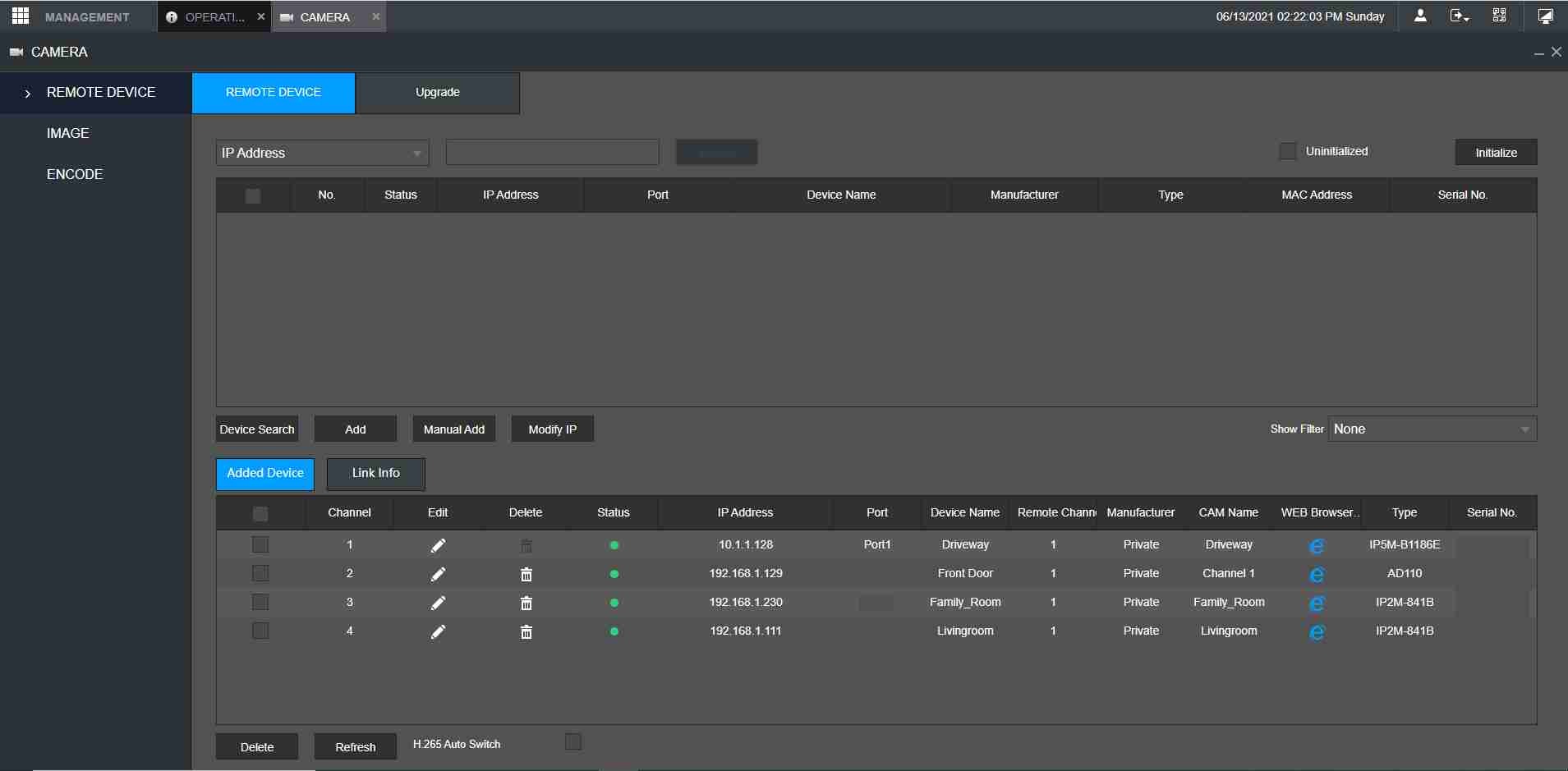
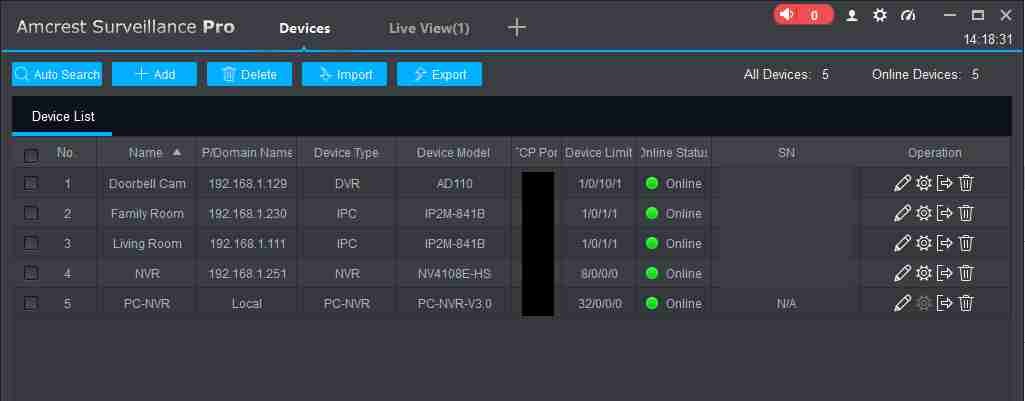
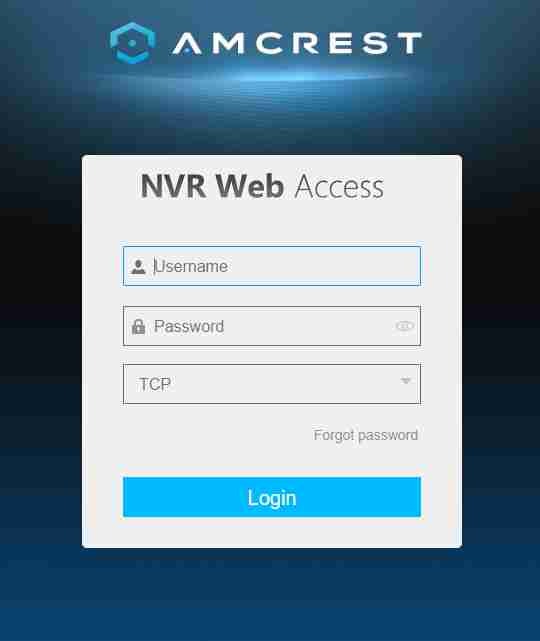
For the longest time I was using my cameras with SD card storage to record and playback recordings when I wanted to view them. Although this kinda worked for me, I found that if I wanted to see something on the camera it tended to be difficult to search for things, and then recall them to playback. Sometimes it couldn't complete the search, sometimes it would complete the search but it would disconnect from the camera while I was playing it back directly from the internal SD card. So, I decided to get an NVR so I could have one central hard drive to record everything to. I purchased the NVR without a hard drive and figured that I would just use an old hard drive that I had removed from a scrapped computer in the office. I ended up putting a 5400 RPM 1 TB hard drive from an old laptop into the unit. I will say that although I was able to mount it in the NVR without a 2.5" to 3.5 bracket, I was only able to use 2 of the 4 screws to hold it in. I really wish that Amcrest would drill a few more holes in the bottom of their NVR so people can choose to use either a 3.5" or 2.5" hard drive in the unit without having to purchase or have an adapter plate / bracket. Otherwise everything went smooth and I was up and running. The initial start up was easy, I was asked a bunch of on-screen questions (through the convenient to use HDMI connector) Once I answer those questions and then searched for cameras on the network, and connected to the back of the NVR it loaded everything up and I was ready to go. I did have to enter the User Name and the Password I set up for all the WiFi and other POE cameras not directly plugged into the back of the NVR, but that was to be expected. The first thing I did was get all of the different cameras recording into the hard drive. I was amazed at how fast and easy it was to search and playback of all my cameras. Being used to waiting up to a minute or even 2 sometimes for things to load, and then find the video when I tried to select it, it blew me away how a search of 24 hours of video happened in a matter of about 2 seconds! Then when I clicked on the playback for each of the cameras the video just started playing, no waiting at all! Remember, this is 5400 RPM drive from a 8 year old laptop. The NVR also has the ability to connect seamlessly with the Amcrest Surveillance Pro software. This makes life so easy. One thing that I would have liked to see from Amcrest with this NVR is the ability to play audio from the NVR connected cameras, out of the HDMI connection to the monitor. Sadly you can not. Instead, if you use the Surveillance Pro software you can listen to, and talk back to cameras with both speakers and Mics. A great feature of the NVR is its ability to communicate over the network. This means you don't have to even connect a monitor up to the NVR HDMI output. The NVR software using the IP address of the unit will come up with a TCP login window. Once you enter the user name and password that you've assigned the NVR you have complete control over all the settings. You can even monitor the cameras (without sound and Mic) and playback video recorded on the hard drive. The great part about the NVR, which I hadn't even thought about until I got it, was the fact that I could place the NVR ANYWHERE that I had a network connection. I didn't have to park the box by a monitor to use it. I simply stuffed it away in the attic where I have a switch, and I was able to go to my office and access the entire NVR setup via the TCP connection, OR, I can use the Surveillance Pro software from ANY computer on the internet, or my cellular device to monitor all of the cameras on-location where the NVR is. This means that I can be out of the house, and while at an outside office, I can be watching what's going on with the house. At first I thought that I would have to have access to the NVR box sitting next to it to view the recordings and monitor the cameras, like in a security room. This is NOT the case at all. Overall I'm very impressed with the low cost NVR and how well it integrates with even an older hard drive. There's a fan on the side that keeps everything nice and cool, so I'm not worried about over heating, even though it's a single board design. I called Tech Support to find out about the issue being able to listen out of the NVR and they were knowledgeable and able to answer all of my questions.. So I was happy with the support I received. If you want to set up a full security system including wired and wireless cameras on-site, I think for the price this will give you access to 8 plug in POE cameras, as well as at least another 8 (or more) wireless cameras you may have around the house. All with fast recording playback. I haven't even begun to dig into all the amazing features you can do with the software. Some include (with the correct cameras) heat detection, Facial recognition, Alarms and Zones and the list goes on. With the free software this is a serious security device, and not just a simple Ring doorbell and wifi camera going to a slow cloud service. Heck, this unit even works with the Amcrest WiFi Doorbell which I was able to add to this NVR as well! I would strongly suggest this unit to anyone that wants an easy setup and use of instant playback and monitoring from anywhere in the world. Especially for the price!
 If you're not tech savvy, you're gonna have a tough time.
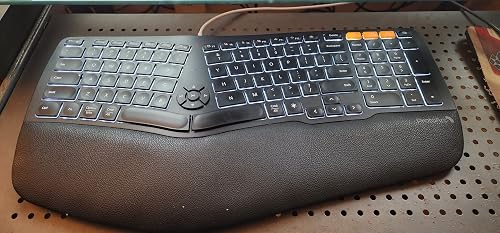 Great Product but needs a couple more Keys
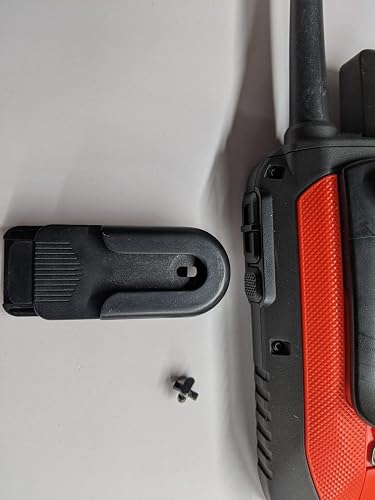 Great All Around Product
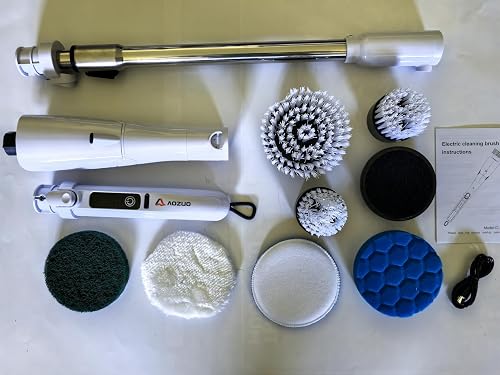 Powerful Cordless Scrubber for Tough Kitchen Grease
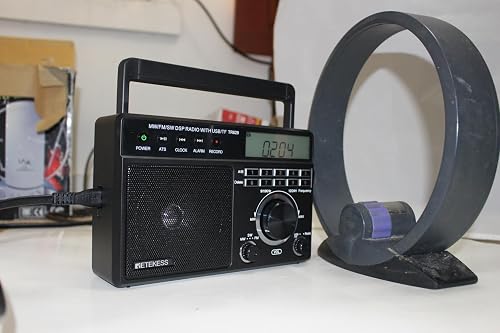 Not a bad mini table radio
 Everything you need to know