
Why One Customer Returned the Epson WorkForce ES-200 Scanner
Customer photos 5
Select a photo to open the gallery · scroll sideways for more.
Full customer review
Customer's headline
Flawed scanner. Leaves black edges and crooked, poor-quality scans.
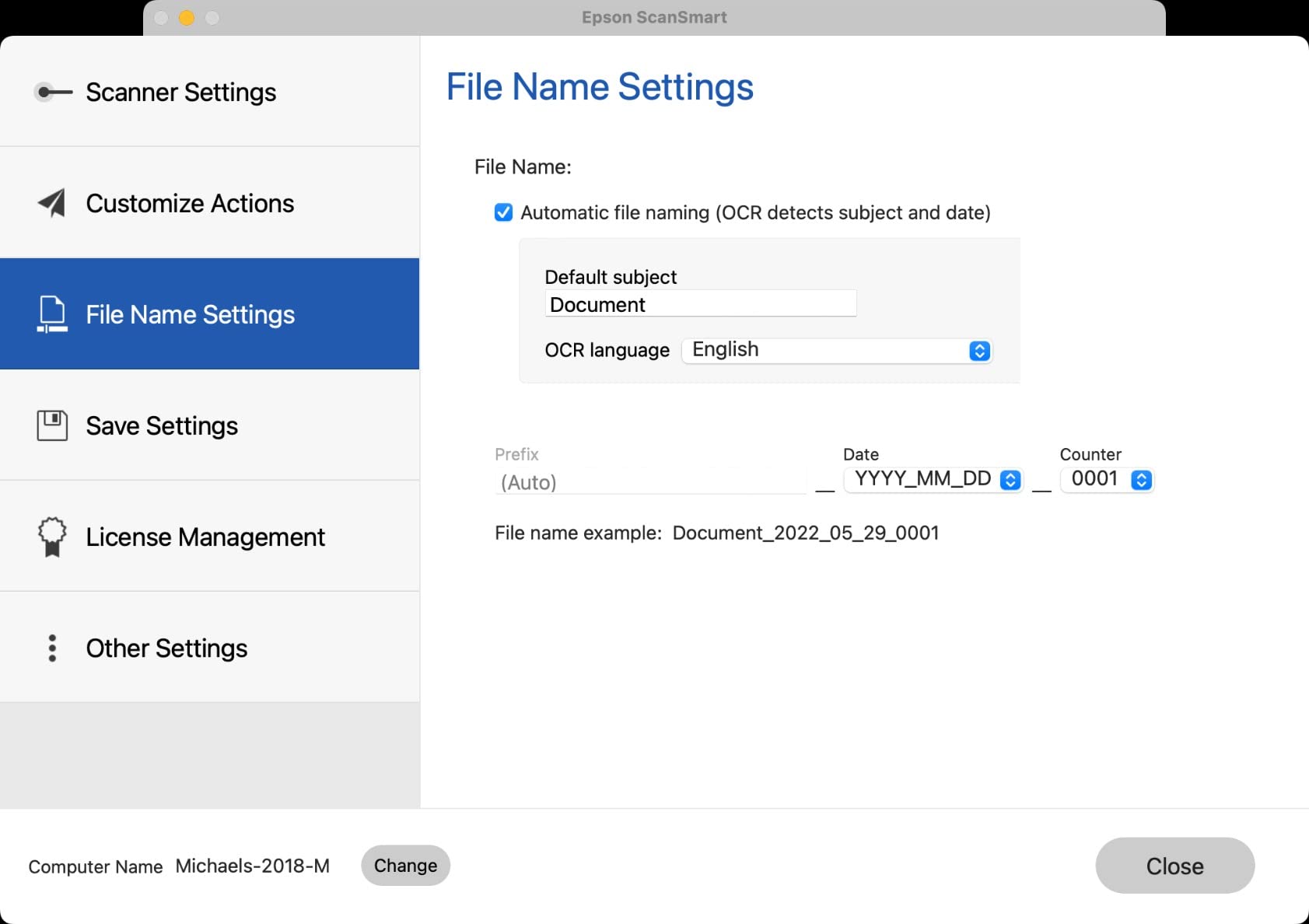
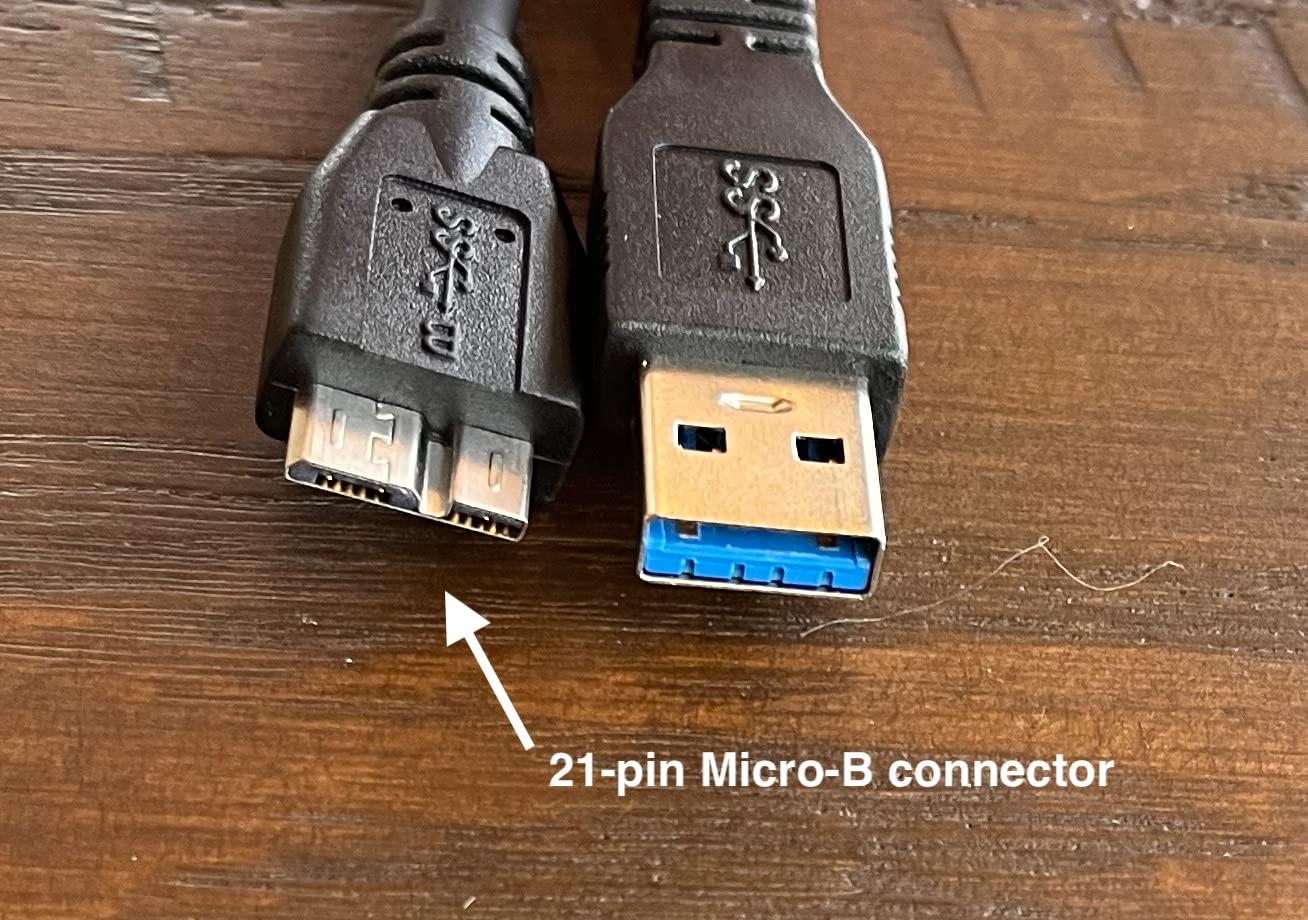
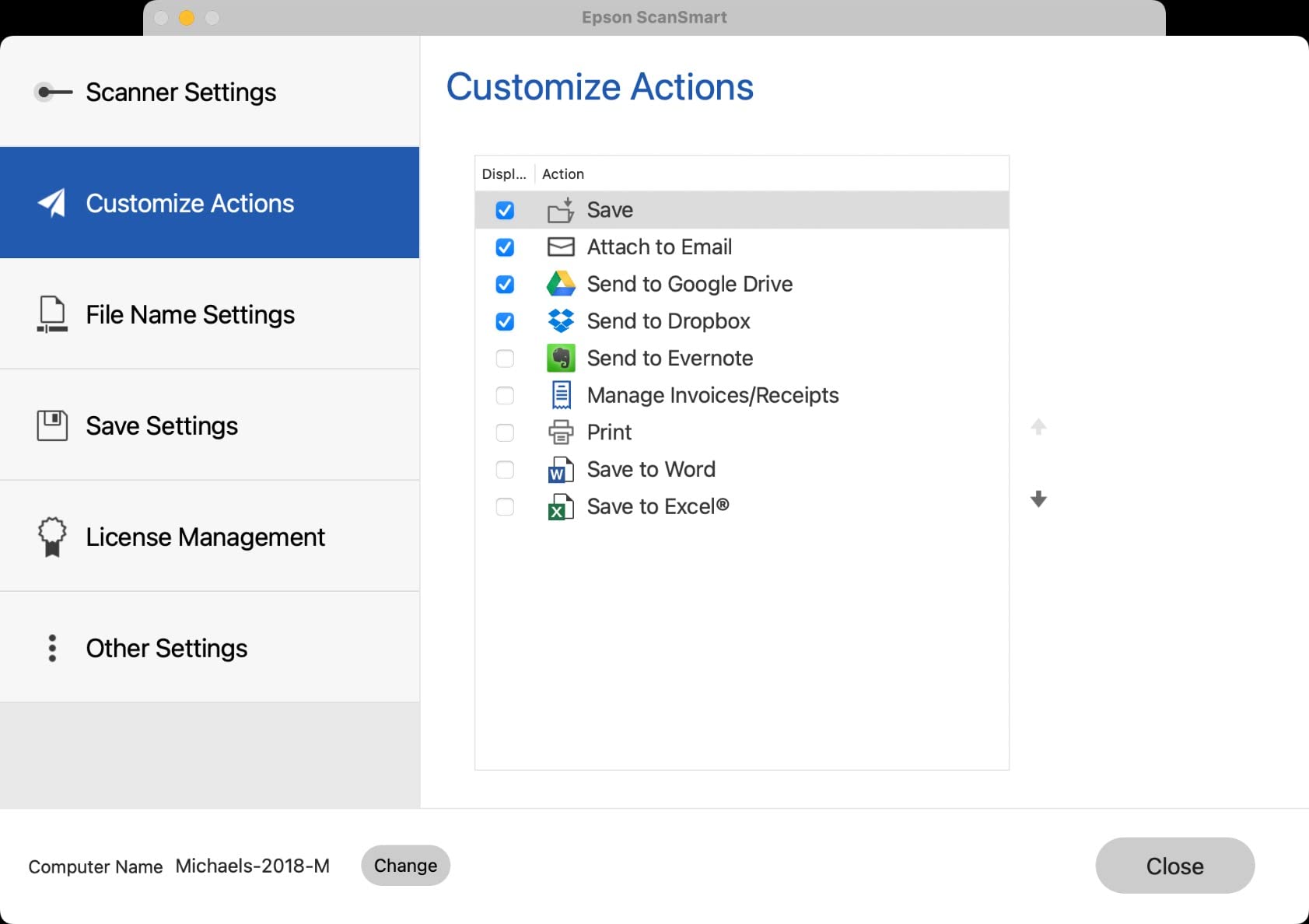
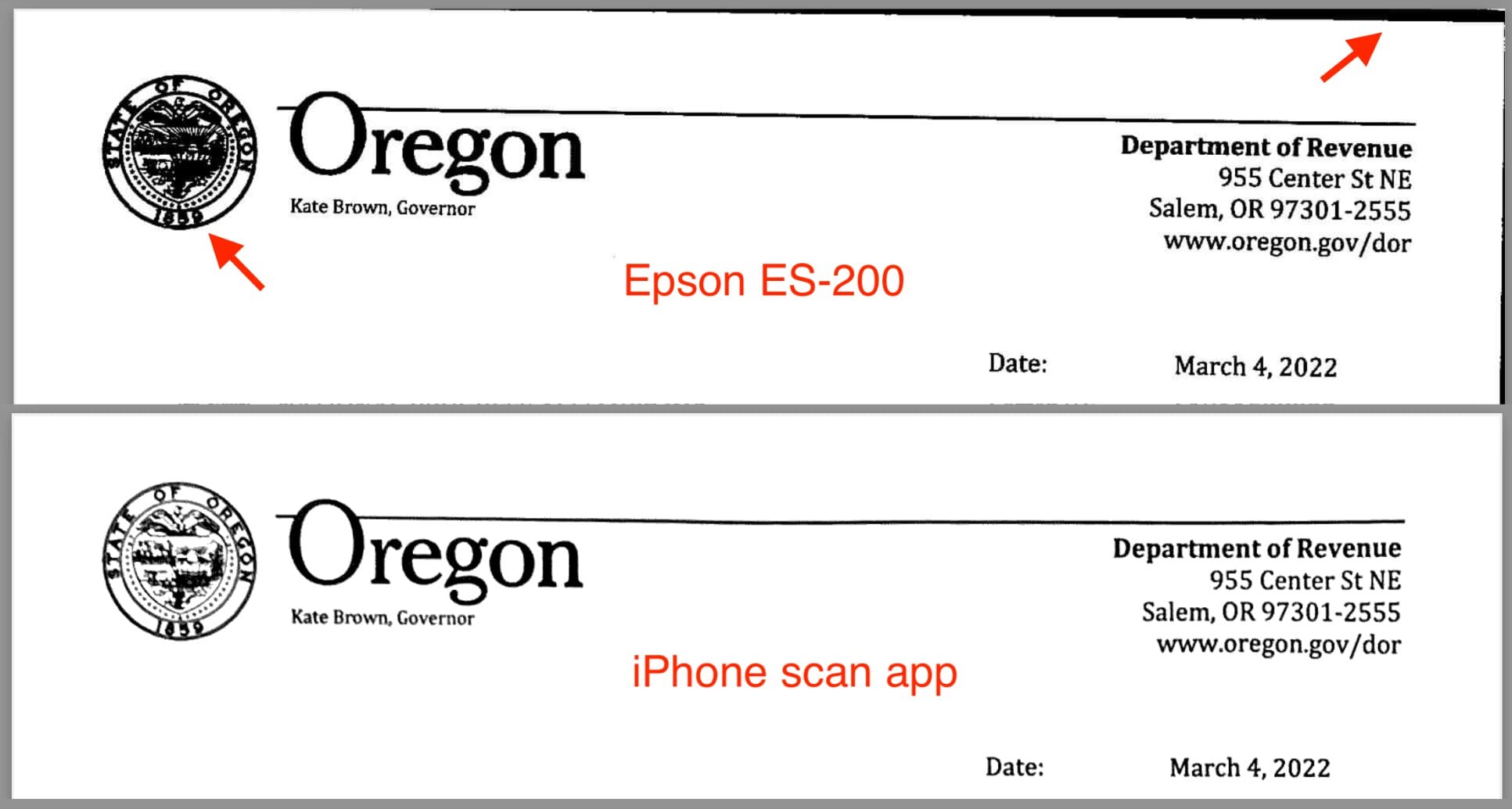
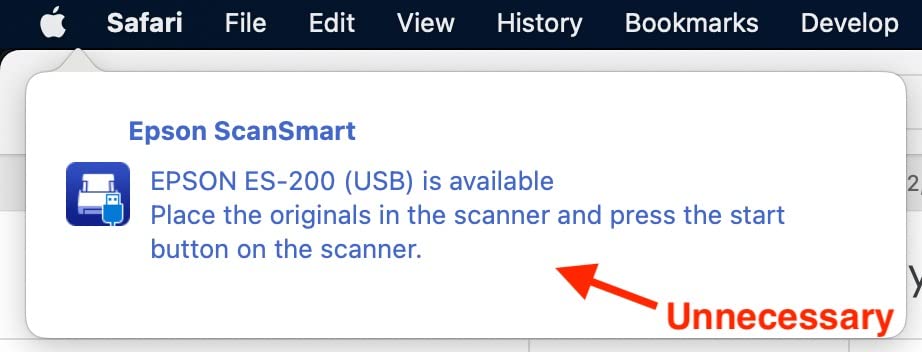
I ended up returning this scanner. The worst of the flaws is that the scanner leaves ugly black edges where the paper wasn't *perfectly* centered -- which is pretty much all the time no matter how careful you try to be. It doesn't straighten the document, leaving everything at an angle. The quality of the image was very poor compared to just using a mobile phone scanning app. You'd expect that a dedicated scanner would be at least equal quality. It was nice that they offered a couple naming options for the document, but for me the options weren't nearly flexible enough. For example, I needed "2022-01-01 Best Buy Receipt.pdf" but the best they could do was "Document_2022_01_01_0001". The scanner claims to have "one-button scanning" but the shortest path I could create was 3 buttons (one on the device and two in the software) before being finished. It would be ideal to drop a document on it, hit the hardware button, and be done with it — resulting in a file saved in the folder chosen as default. Instead, having to click anything at all in the software after scanning is rather annoying, especially with stacks of documents to scan. There's no reason they couldn't have made it an option to skip ALL the software clicks and just use the selected settings every time. The scanner doesn't use a common cable such as USB to USB-C, but rather a rare USB to 21-pin Micro-B which means extra effort to keep track of such a specific cable, rather than being able to simply grab a more ubiquitous cable from your bag. The blue "ready light" sits there and flashes consistently, distractingly. Ideally, it would remain solid during usage rather than flash. (I didn't verify this, but I suspect it was charging off of my laptop. That's not a good idea if you are scanning on the go; that'll eat up the laptop battery. Not sure if that's what it's doing, but would be bad if it were.) When you connect the scanner, an unnecessary popup appears on top of all your applications, pointing to the apple logo in the top left. Not only is that nonstandard and ugly, it's annoying to have to click to get rid of it. I plugged in the scanner myself, I don't need a notification that I plugged it in. In the end, the scanner just had too many flaws and problems so I was forced to return it. I'm hoping Epson will spend more money on user testing with their next model.
 Great All Around Product
 Unbelievable difference!
 Easy to use, comfortable, compact, gender neutral
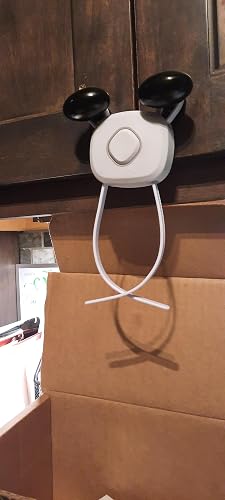 A MUST HAVE FOR TODDLER PARENTS!! *Read Full Review For Important Details!*
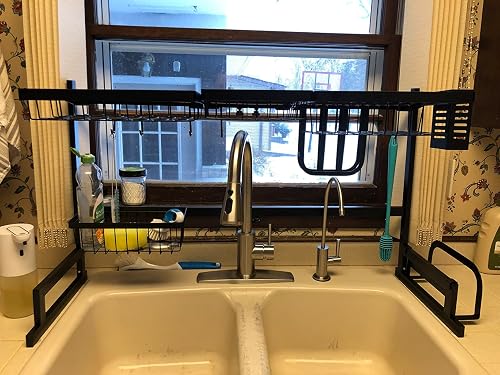 Attractive , sturdy, and holds a ton
 We used it for all of our camping trips last year and once so far in 2018 so I felt like its gotten enough use at this point that I ...