
Nero Backup Software Makes Android and PC Photo Backup Simple
Customer photos 5
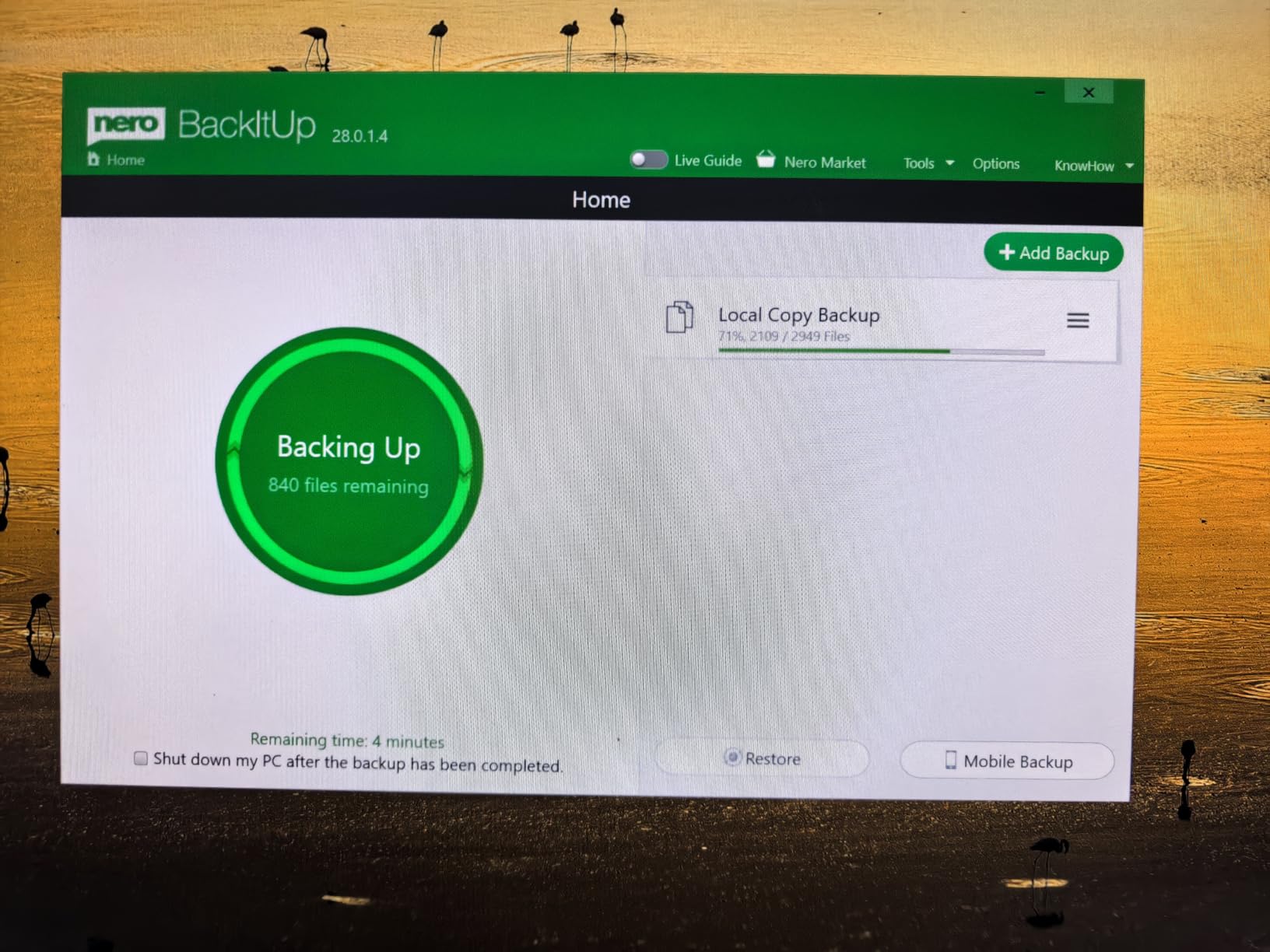
Select a photo to open the gallery · scroll sideways for more.
Full customer review
Customer's headline
Easy Android & PC Backup With a Lifetime License — Best for Phone Data
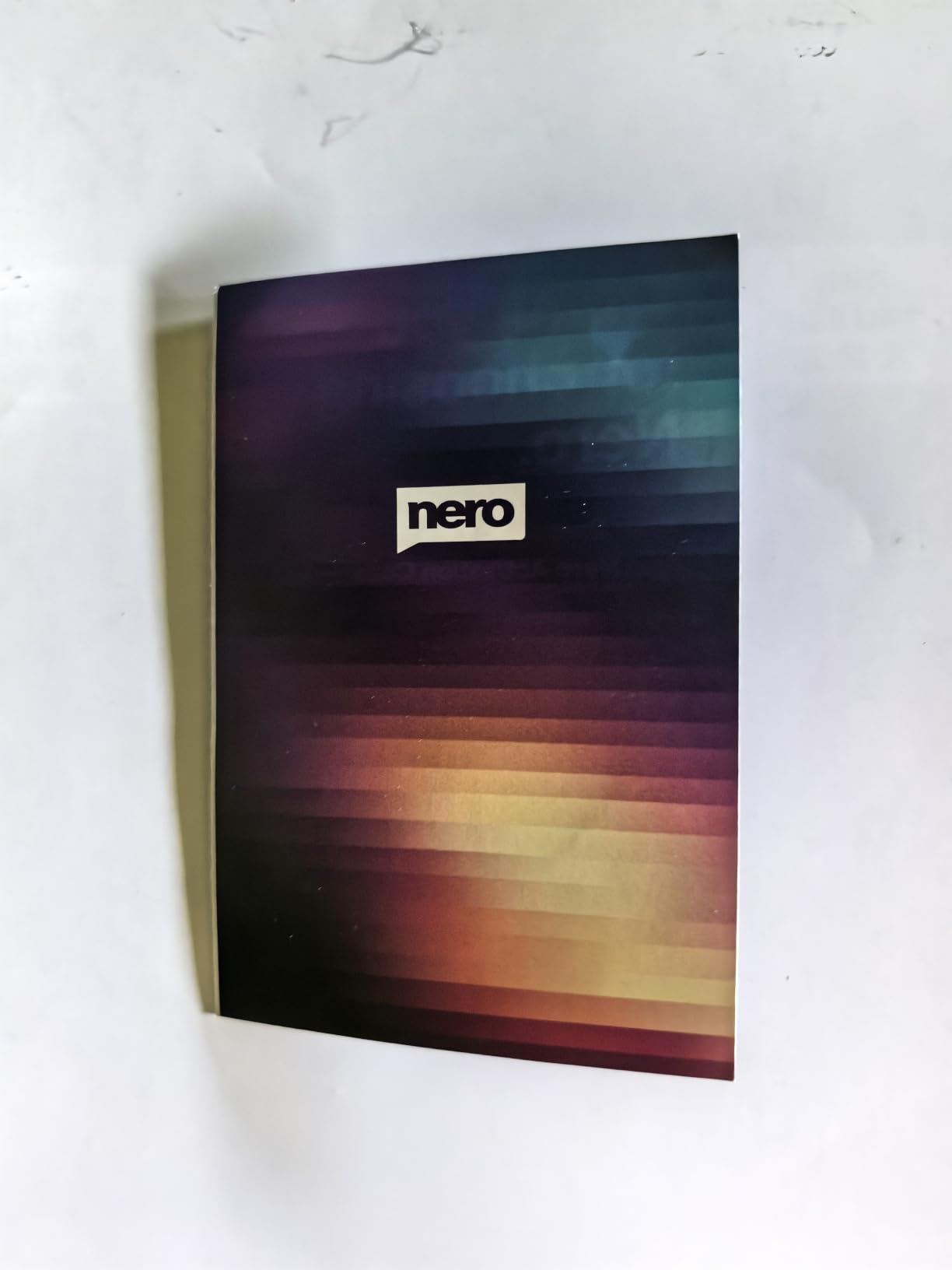
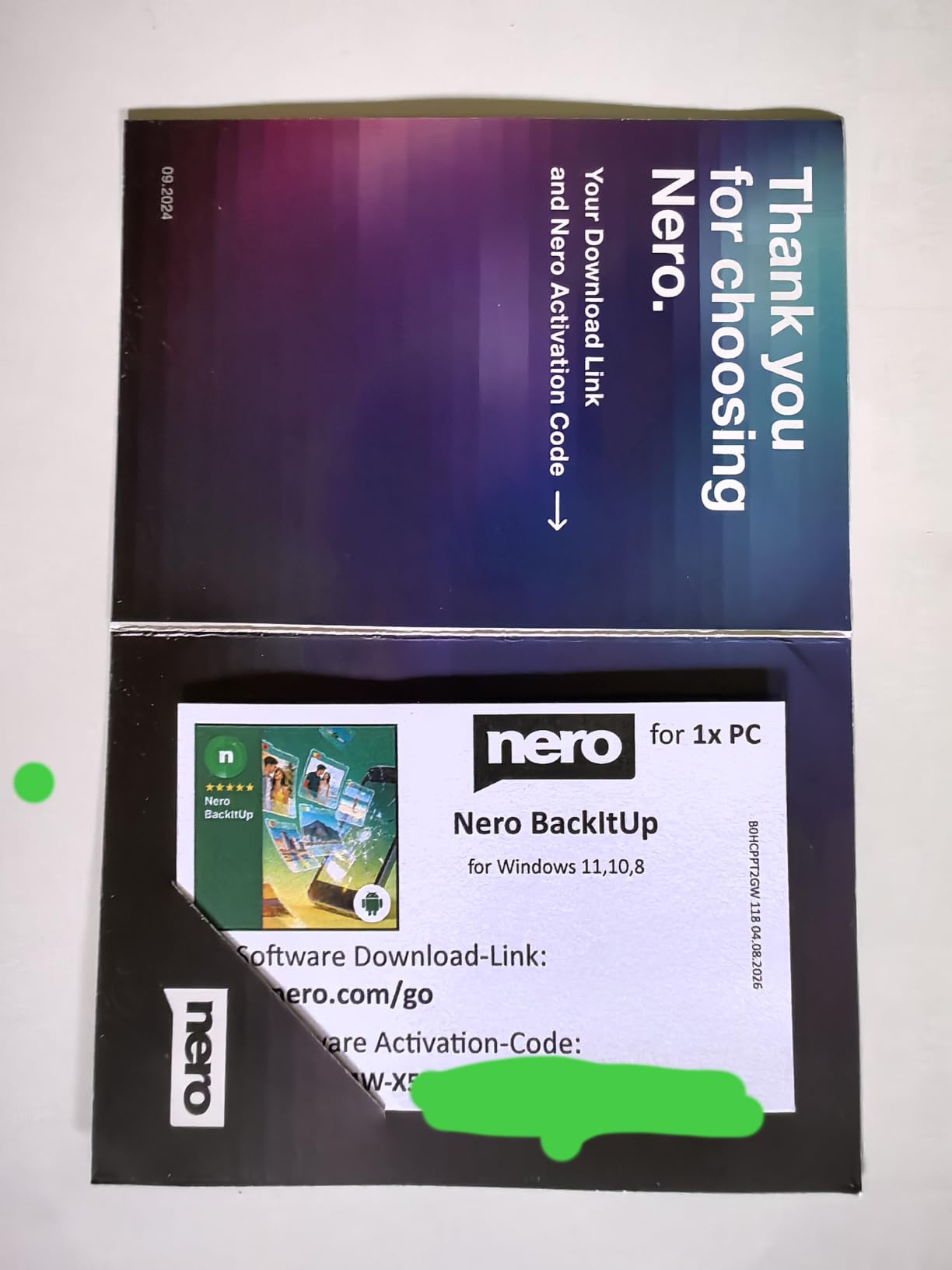
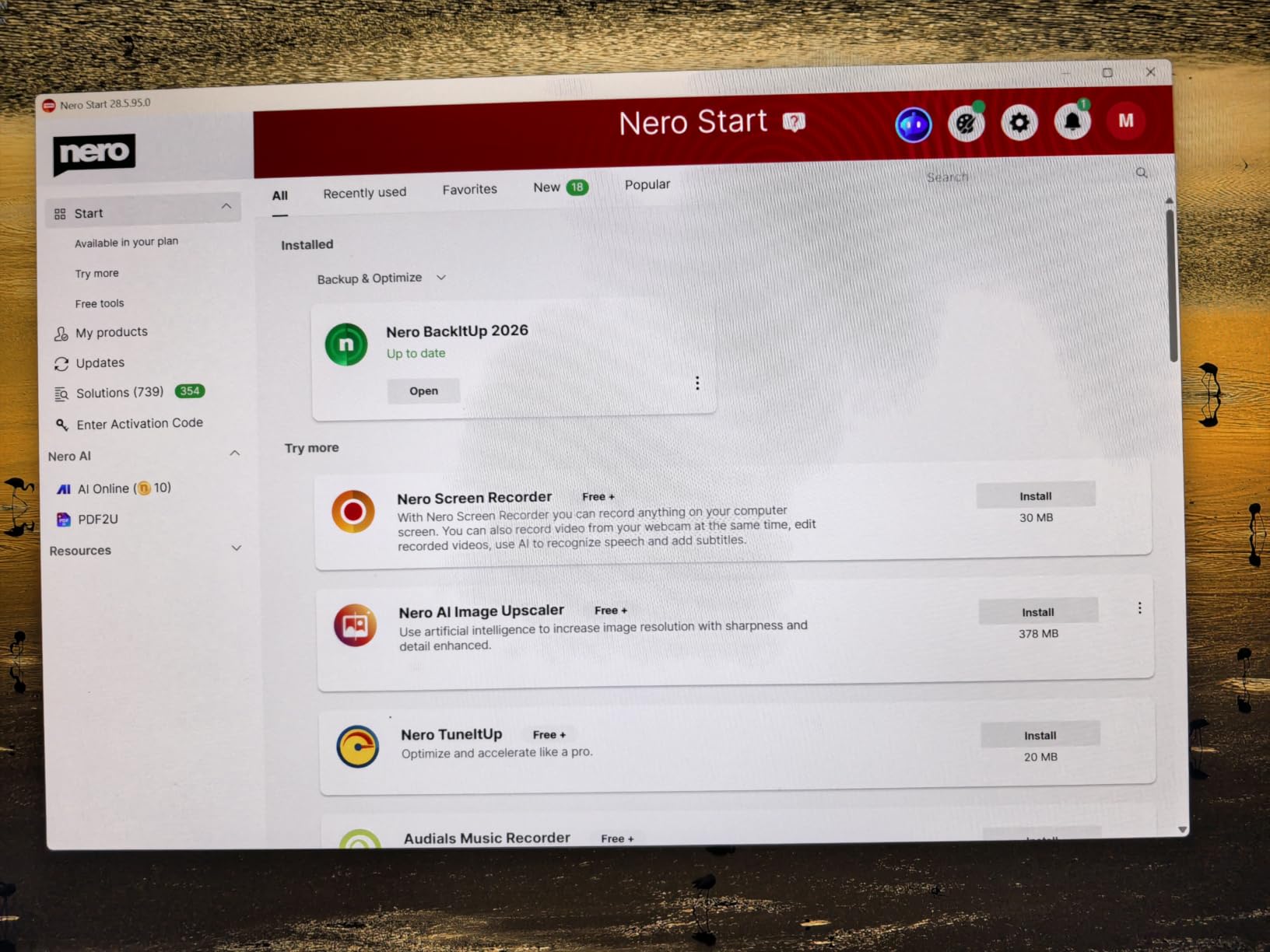
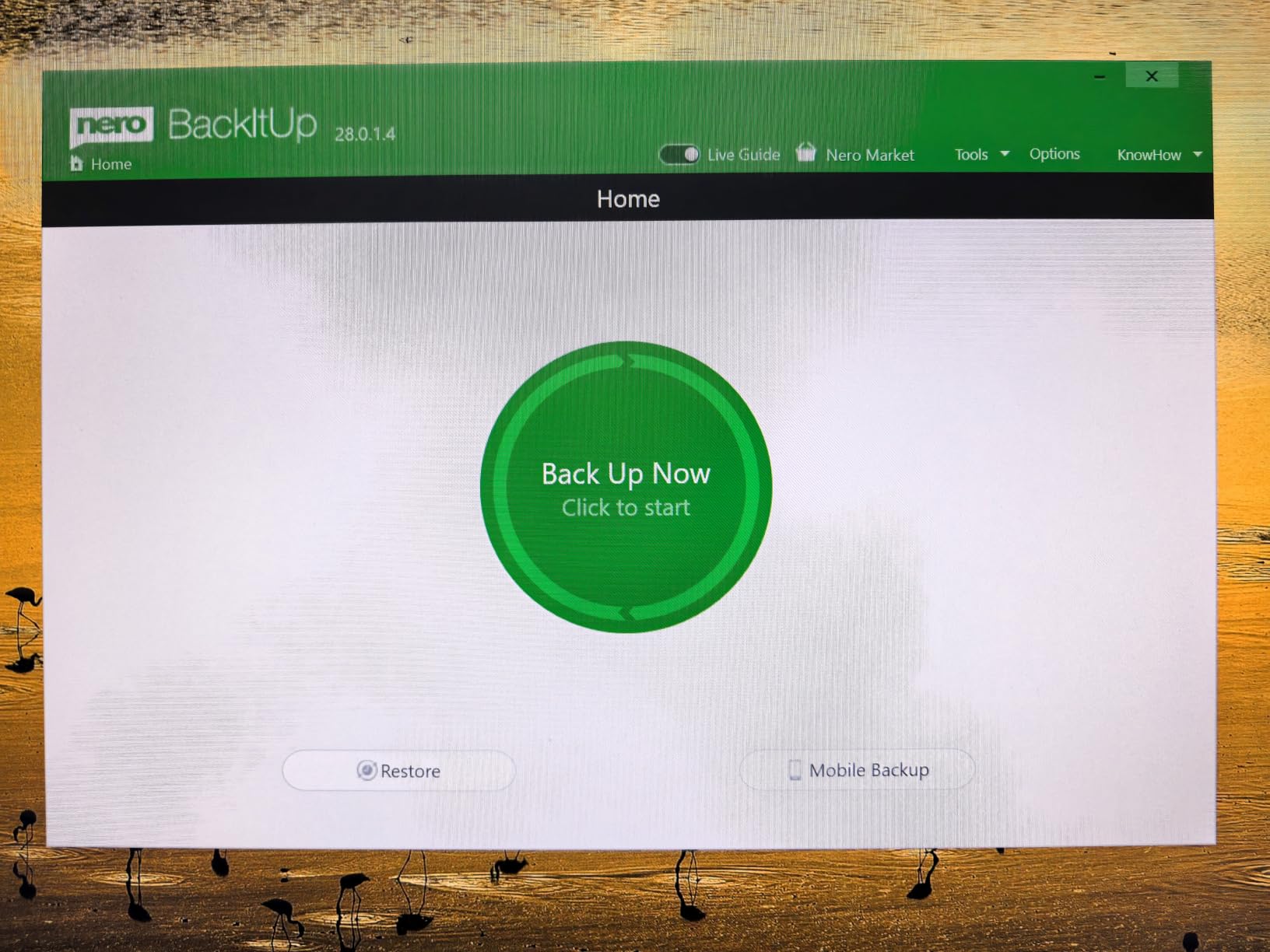
I have used Nero products for many years, especially Nero Burning ROM for copying and archiving data to optical discs. Nero has long been a well-known name in data backup and disc-burning software, so I was interested in trying this newer Nero BackItUp product for Android phones and Windows PCs. The package is simple: I received a small greeting-card-style package containing a business-card-size insert with the download link and activation code. After downloading the software and entering the code, installation on my Windows 11 PC was straightforward and easy. The software activated without difficulty. My first test was backing up photos from an Android phone to my computer. You need to install Nero BackItUp app on your phone first. One feature I really like is that the phone does not need to be connected to the PC with a USB cable. Instead, the phone and computer connect through the home Wi-Fi network. I was able to copy phone photos to the PC hard drive quickly and conveniently. This is especially useful for regularly protecting photos, videos, contacts, messages, and other important phone files before a phone is damaged, lost, stolen, or runs out of storage. The software also lets you choose what to back up, including photos, videos, music, and regular files. Backup destinations can include the internal PC drive, an external drive, NAS storage, and other supported locations. The one-time purchase with a lifetime license is also a major advantage for people who do not want another monthly subscription. I also tested backing up photos from my PC to a CD-R disc. In Nero BackItUp, optical-disc backup is handled as a “Snapshot.” After preparing the writable disc and following the program’s instructions, I was able to back up the selected photo files successfully. It worked, although this is more of a backup/restore method than the traditional file-browsing disc workflow many longtime Nero users may expect. Nero Start, the program’s home page, also offers several additional free tools. I tried Nero Screen Recorder and found it easy to use for recording a portion of my Windows screen. The output quality from my brief test was very good. Overall, Nero BackItUp is a good, practical backup solution for Android devices and Windows computers. It is particularly convenient for wireless Android-to-PC photo backup, flexible file selection, local or network storage, and the lifetime-license model. However, if your main goal is to create ordinary data DVDs or Blu-ray discs that you can browse like normal folders on almost any computer, Nero’s traditional Nero Burning ROM may still be the better dedicated tool. Recommended for Android and Windows users who want an easy, no-subscription way to protect photos, videos, contacts, messages, and important files.
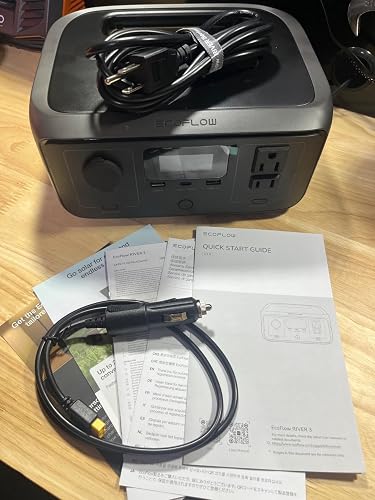 Compact, easy to use, convenient, versatile portable power supply
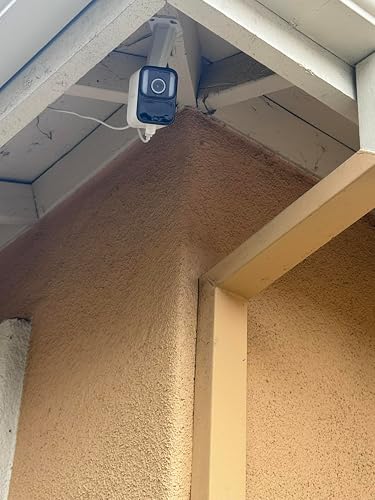 Best Security Cameras on a budget
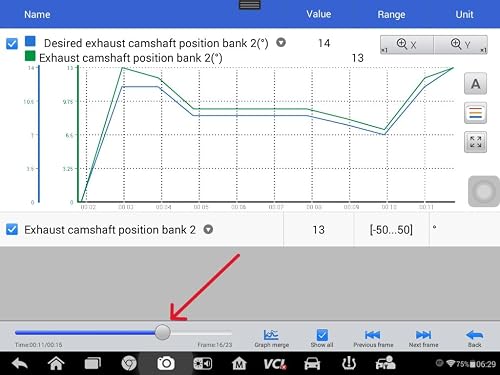 Good value scan tool
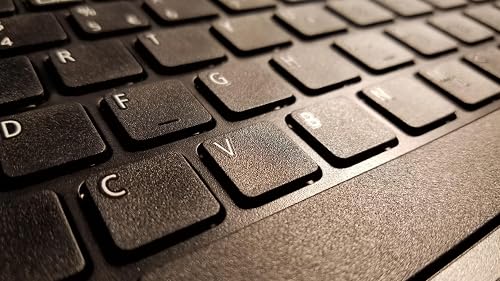 The 'Good Enough' Laptop
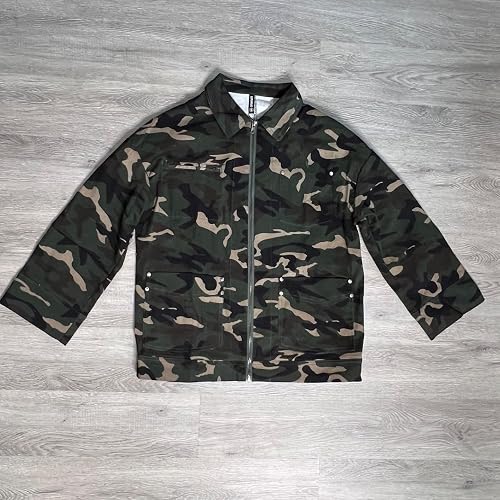 Lightweight, comfortable, casual jacket with and oversized fit and cute style
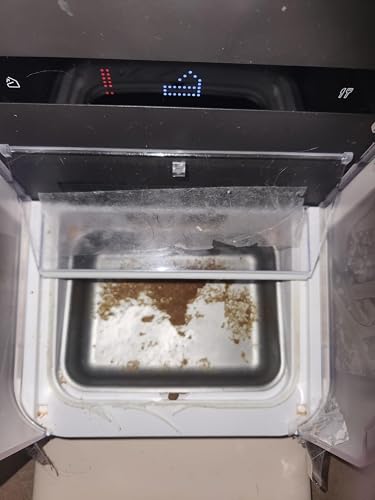 Major design flaw the company does not care about> Edit: new model is great!