
AOSU D1 Classic: Easy Setup but Slow Close-Range Tracking
Customer photos 1
Select a photo to open the gallery.
Full customer review
Customer's headline
Falls Short of expected performance
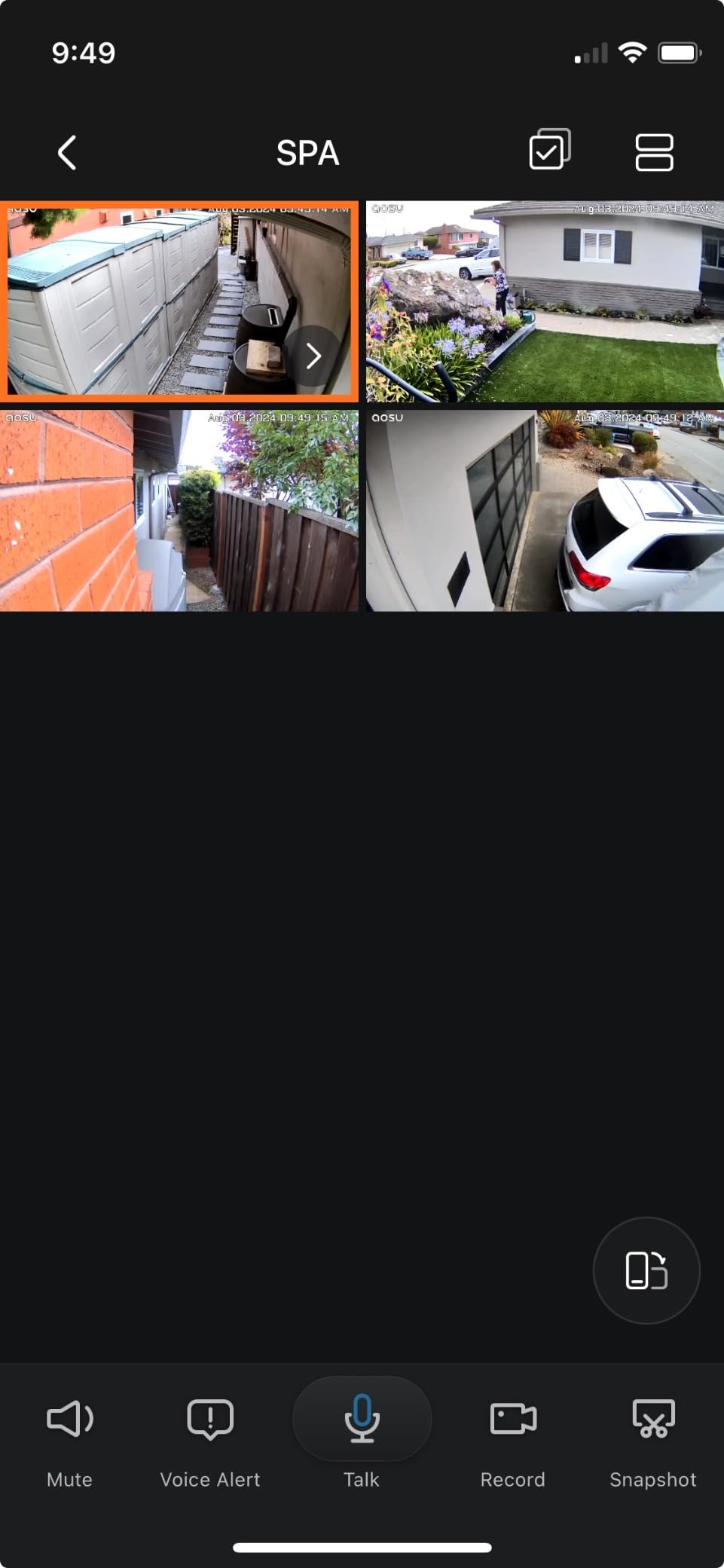
After years of hesitance, I felt that this AOSU design hits all the marks for ease application. Solar, Easy Wireless Connection, no minimum subscription etc. After nearly 2 months of use, I decided to share my experience. But first, CUDOS for making available a prompt customer service who follow through via phone and email. Cons of my experience: >There is a quick install prompt with QR codes etc. which worked rather well. However there is no published Owners Manual. So playing with functions and trouble shooting is trial & error, or another phone call. Publishing a User Guide would help us to determine suitability of this kit BEFORE I spent a day and a half to determine optimal locations and fabricating mounts - facing South. > You will only learn via customer service that the cameras only communicate directly through your home base (located near your router) and your WiFi extension booster has no effect. They recommend about 35 ft max distance from router to camera and a minimum 88% WiFi reception at each camera. ( I sometimes see as low as 44% but anything over 50% turns each camera's WiFi staus from Red to Green.) That alone is impractical at my 1,400 sq ft Rancher with Stucco siding. >Playing with the Human Only feature (which eliminates false alerts from blowing landscape), and turning off the Auto Detection Range helped to greatly reduce jittery and intermittent tracking. > Regarding the 90 degree / 360 tracking. It is not a continuous 360 - there is a limit stop and the camera will not turn around a corner if it's mounted with the limit stop inside a Right Hand corner. The app will read "Camera was at the limit" - I don't think there is a fix for this. But even if there was...... > Up close tracking is too slow. When we walk towards a camera at any normal pace, we walk out of the frame before it will face 90d down - much less track around a corner. At a slow crawl and waiving it will face down and at least start to turn but not continue -even if the limit stop is on the other side. This isn't a function of WiFi strength and Customer Service says to wait and see if Firm Ware updates address this down the road. So I am missing much of the coverage I should have if the tracking performed as advertised. > Phone app occasionally locks up during playback or all together. Close app and starting over works. Pros; Customer Service did try to address some of this by sending me 1 No Charge replacement camera. I thought I might try to deploy it as a 5th camera to cover some of the now uncovered Gaps. However the homebase will only allow 4 cameras at a time. Apparently not expandable (So much for adding their Doorbell to this setup) > The alerts to the cell phone app are usually contemporaneous, but sometimes also lag. that may be other issues beyond the control of AOSU. Overall, I still like this product which is a big leap forward from when we had nothing. I believe half of the battle is for ill intentioned individuals to see 1. that the cameras are up - and 2. when they start tracking movement, those perps are greatly discouraged. I am hoping that future Firm Ware updates will alleviate at least some of these concerns - especially the close range tracking. But until then, 3 stars
 Easy, smooth setup, decent performance
 Great Product but needs a couple more Keys
 Great All Around Product
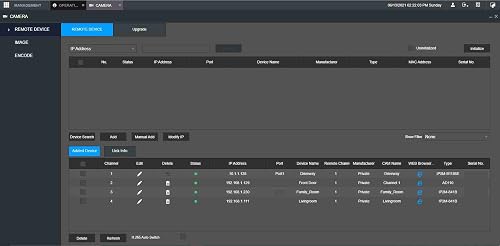 Makes life easy and playback FAST
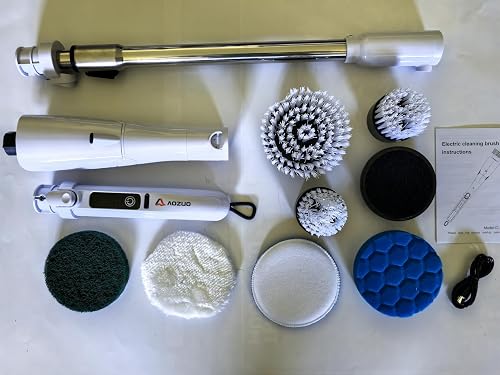 Powerful Cordless Scrubber for Tough Kitchen Grease
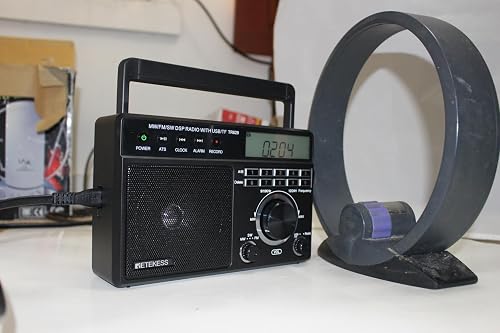 Not a bad mini table radio