
Foscam R5 Customer Experience: Sharp Video but Limited Connectivity
Customer photos 2
Select a photo to open the gallery.
Full customer review
Customer's headline
Image Quality is great and zoom is smooth... but unfortunately, that's where it stops.
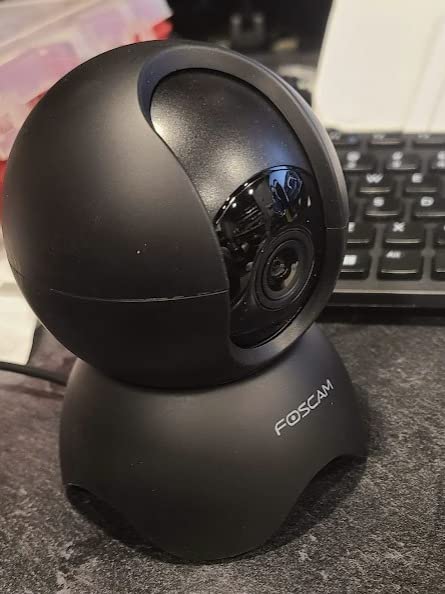
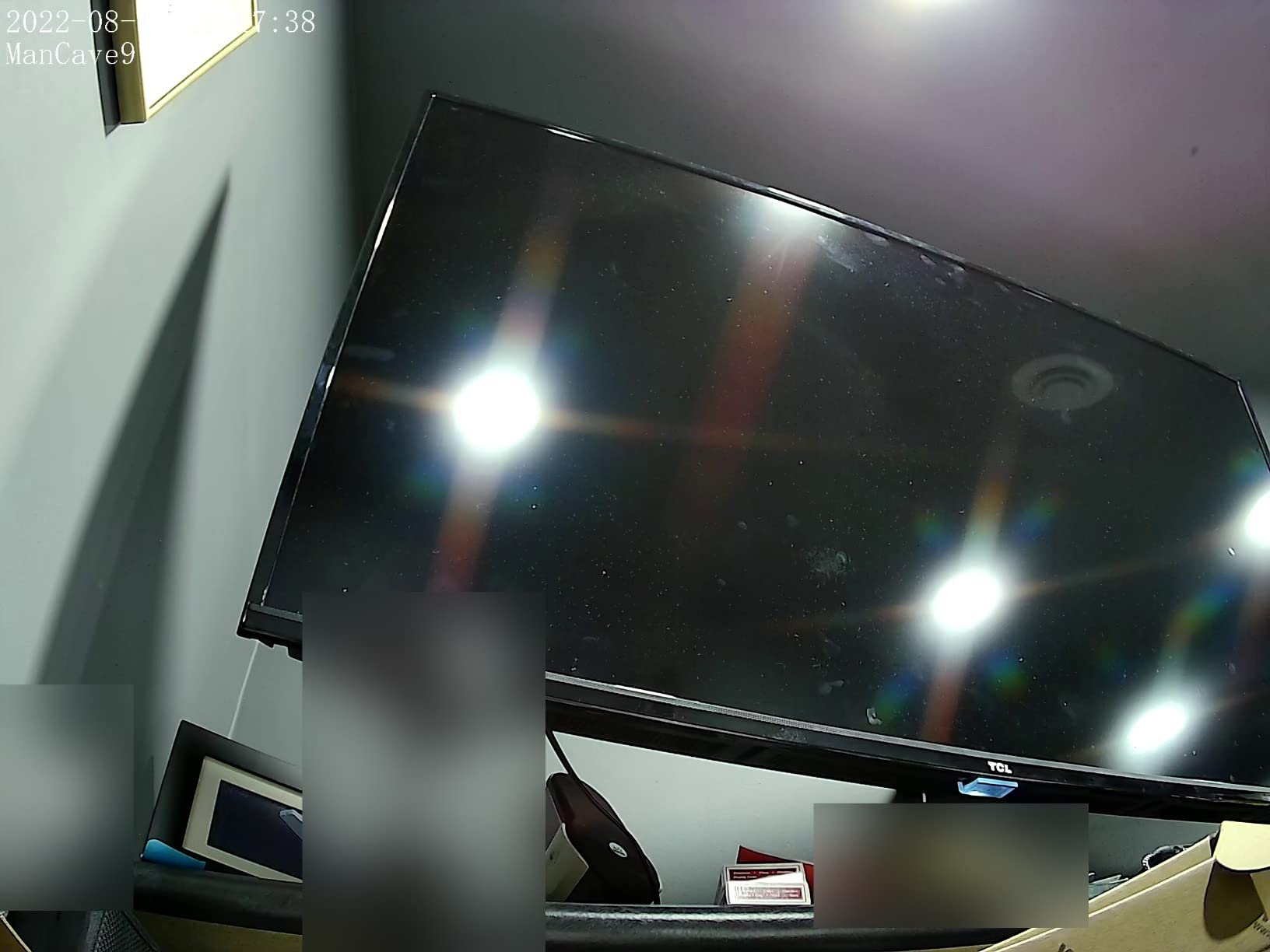
The R5 isn't an upgrade or improvement from the R2 or R4 in just abut every area. Per the title, the zoom and image quality does, yes, seem better (and the zoom, being digital, is much smoother than the optical zoom from the R2 and R4 models). Also per the title, that's where it ends. The camera, stationary and not connected to, would periodically reboot (I assume this because it gave the audible, "Wifi Connection... succeeded" and then went through a pan/tilt cycle like it does on a hard power-up), despite having power connected to it consistently. Power has one minor improvement - it no longer requires a proprietary AC adapter; Foscam now includes a USB to Micro-USB cable in the box, along with an AC adapter that will provide up to 7.5w of DC power output. Foscam has, for some reason utterly unknown to me, removed the web interface entirely. Configuration REQUIRES the Foscam mobile app. Absent a web interface to connect to? There's no other clean way to connect to the camera and connect to it and tell it what network to use (if you have multiple) or how to configure the network interface (spoiler: you CAN'T. DHCP is the only option for this camera). This is not an IP camera, save for the fact that it connects to your network via an IP address. You cannot access the camera through a web interface. you cannot connect to the camera via any method other than the VMS software that Foscam produces, or the foscam mobile app. Foscam claims ONVIF support but I didn't bother to test it after.. well, read on. The foscam mobile app saves images to... I have no idea. Nowhere standard, on my Android 12 phone, that's for sure, because I spent several minutes looking for screencaptures to add to this review. The image of the television shows image quality out of the r5; I had to download and use their VMS app to capture that to my laptop. Blurring is done for security purposes, via an external image editing application. The camera doesn't have the previous 1/4-20" screw adapter (which is standard for most photography equiipment) and they've included a 'mount' but I quote that because it's some custom silly thing that has to be screwed into whatever you want to mount it to, and it has only a friction fit to the camera - very little physical contact with the camera would easily shake it off the new 'mount' style. I did not test the SD card slot. Half of an IP camera's name is about network connectivity... why would I want to use onboard storage? I tested the audio... meh, at best, like just about every other camera on the market. Then again, this is an ip CAMERA, not an ip PHONE or an ip SPEAKER, so, I don't expect to use that much. Night vision was okay, but it's the same IR-based sensors that most IP cameras use. It's okay, but don't expect anything impressive. Security alerts? No matter how much I experimented, I couldn't get the motion detection to work. Then again, I tend to prefer a centralized solution like iSpyConnect to run multiple cameras, and the motion detection on that system is easier to configure and simpler to use, with better alerting. If you ONLY need a single camera, and if you're okay with using Foscam's proprietary software, and the camera can sit on a desk or a shelf... this MIGHT be okay for you. If you want a true IP camera with full 'normal' connectivity options? This won't work for you. If you want to use your own app for camera viewing and storing video/photos? This won't work for you. IMO, Foscam's cameras hit their peak with v1 of the R2 camera... and started to go downhill after that. If the R5 is any example of the direction they're headed, that downhill speed is increasing. For reference, I have 9 IP cams located around my home, facing both indoor and outdoor (although the cameras are all inside). I use iSpyConnect to connect all 9, and I can access a feed either through iSpyConnect, or through the "IP Cam Viewer" app I have on my phone. Those cameras, up until recently, were all Foscam - initially, model FI8920 and then adding in R2 and R4 cameras. With the web interface 'crippling' that Foscan did with the R4 version, I've started looking at other manufacturers, who offer a more full-featured method for configuration and more flexible use.
 Great Product but needs a couple more Keys
 Great All Around Product
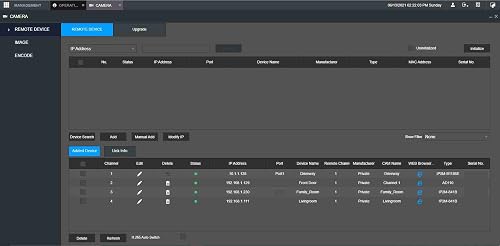 Makes life easy and playback FAST
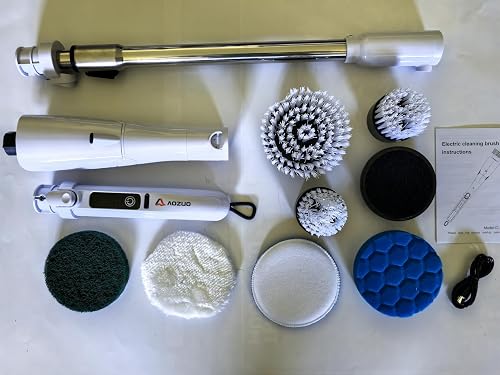 Powerful Cordless Scrubber for Tough Kitchen Grease
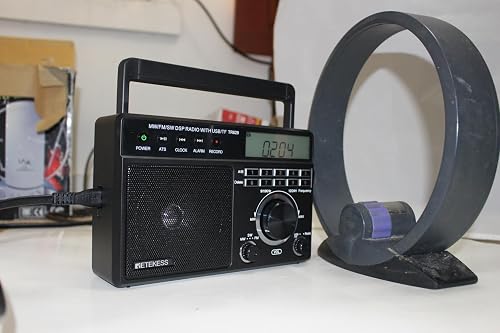 Not a bad mini table radio
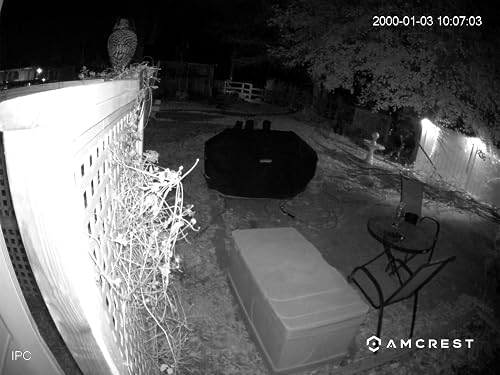 If you're not tech savvy, you're gonna have a tough time.