
Magnavox MDR513H/F7 Lets One Customer Record, Edit and Dub TV Easily
Customer photos 3
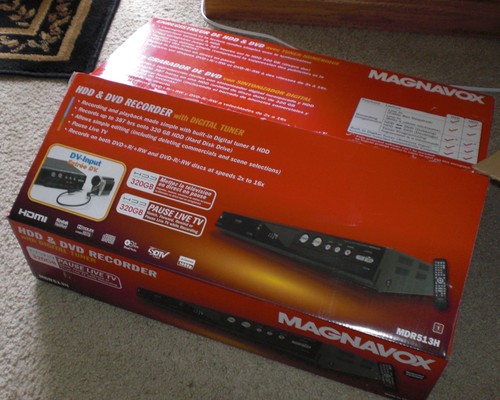
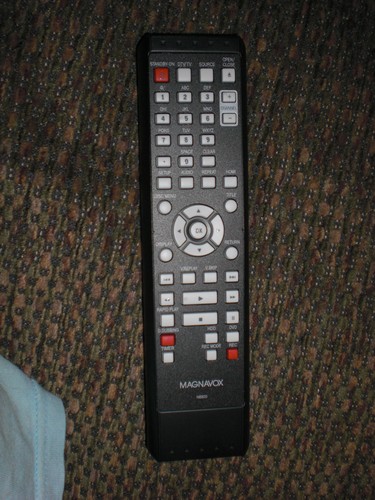
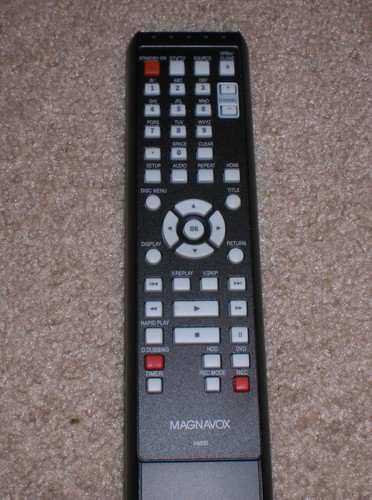
Select a photo to open the gallery.
Full customer review
Customer's headline
Great DVR for the Price!
I bought this DVR for my bedroom as my parents got a DVR from our cable company in the living room and I loved how I was able to pause live TV and easily record TV shows, and I wanted to be able to easily record TV shows from my own TV without having to worry about having any extra DVD-R (or DVD-RWs) or even VHS tapes laying around with enough space. With this I was easily able to record any show I wanted, anytime I wanted and I can even start a recording from the pre-recorded video so that if I accidentally missed pressing record when I saw a show I can easily rewind back to that point and press Record and everything from that point to live TV will be automatically recorded and will continue to record the show, and I could easily press Stop to go back to live TV and keep recording. Another reason why I got this DVR was to easily record my video game footage for YouTube so that I can simply connect my game system to it, record everything to the hard drive, edit it (if I want to), dub it to a DVD-RW, rip it on my computer and easily edit and upload it. Also everything that I'm watching is pre-recorded by the DVR so I can easily rewind back to any pre-recorded point or pause live TV. The video editing tool is nice to use when editing out commercials or scenes in a TV Show or movie, though after removing a part of a video it will freeze for a second, but isn't very noticeable if it's used when switching between scenes or commercial breaks. Now this DVR is not perfect as it doesn't contain any EPR (electronic Programming Guide) like some other DVRs are and some controls are a little odd, but for its price, the amount of storage space and the fact that you don't have to waste money on a service for it (like TiVo) it's perfect. Here's some more information I learned about it from using it: - Pre-recording time is 6 hours, so the DVR will record up to 6 hours of live TV before replacing it with newer content. - DVD->HDD dubbing only works with DVD-Rs that were created by this DVR and can work with DVD-RWs that were created by any DVR/DVD Recorder. If the DVD-RW's videos were recorded by other DVR/DVD Recorder the DVD-RW's titles will be converted to its own format when attempting to record or dub the content to the DVR's hard drive. - With video editing you are able to delete parts of recorded videos, split a recorded video up into separate videos and add chapter markers (which allows you to easily jump to that part of the video with the remote). - Chapter Marks are automatically placed on a recorded video every 10 minutes. - Typically, unlike most DVRs, simply changing the channel on this DVR doesn't erase all pre-recorded content, in fact channel flipping is actually recorded as well (which is the reason why starting a recording at a pre-recorded point doesn't specify what channel it was recorded from in the video's information). However, the DVR will erase the pre-recorded video if one of the following occurs: - The DVR was turned off or had the power cut from it - Recording something, regardless of the recording starting from live TV or a pre-recorded point (Everything pre-recorded before the starting point will be erased) - Switching between (Analog) TV/DTV or the input channels - Editing a recorded video - Dubbing a video to or from the hard drive PROS: - Not expensive. - Easy to use. - A lot of Hard Drive Space. - No subscription service required. - Recorded videos can be easily edited within the DVR itself. - HDD recordings can be easily transferred (dubbed as they call it) to DVD so you don't have to worry about important recordings being "stuck" on the DVR like with some other DVRs (especially DVRs by cable and satellite companies). CONS: - Anytime I rewind live TV it displays slightly obscure information boxes that never seem to automatically pop off, so I have to press the display button 2 times to hide them. I can understand that people want to see the timeline of recorded content to know where they are rewinding to, but they could have simply showed just the timeline and maybe some of the information at the top, but I definitely don't need to know what channel I am on when I am simply rewinding ore pausing live TV. - When in DTV mode an extra display is added (which looks totally different from the normal interface) which shows information about the channel, TV Show and more and for some reason this actually gets recorded if you are looking at it during a recording. - When dubbing wide 16:9 DTV videos to recordable DVDs the video gets squashed at regular 4:3. - The DVR has only 1 tuner so only 1 channel can be recorded at a time. - For some reason dubbing videos between HDD and DVD is done in an analog-style, which means the recording is actually fully played-back from its source media while it's being recorded to its destination media. I can understand that this must be done with DVD/VHS Recorder combos since media is being transferred between analog and digital, but since this DVR can only use digital media it should be able to transfer recordings digital-style where it would quickly take a recording from a source, transfer to the destination and do any necessary conversions on the media for it to work properly. This dubbing style can unnecessarily waste a lot of time depending on how long the recording is. - For some reason dual or double layered recordable DVDs aren't compatible with this DVR.
 Yes, it’s a great book if you enjoy to challenge yourself a bit
 Great Features and Silent Operation for a Stellar Price
 Truly non-stick when used properly!
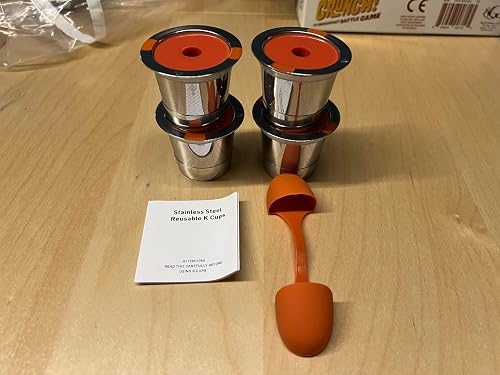 Simple, High Quality Reusable K-Cup Designs
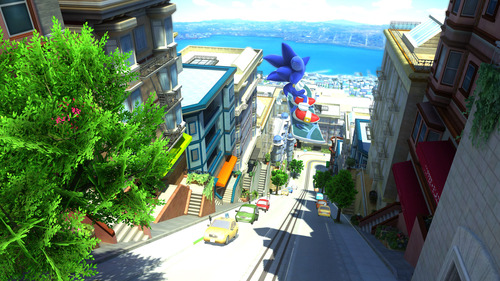 Possibly the best sonic game ever next to Sonic 3 and Knuckles
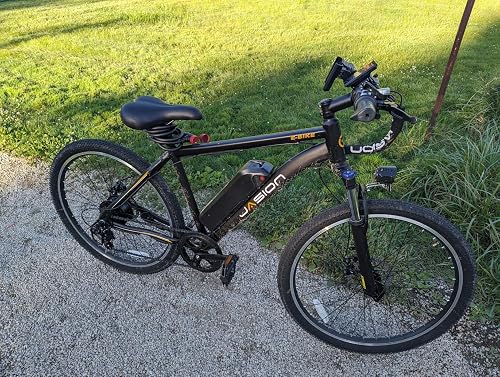 Learning experience and decent starter e-bike though needs maintenance