
Why This Family Replaced an Old Lamp with the Meross Smart Table Lamp
Customer photos 1
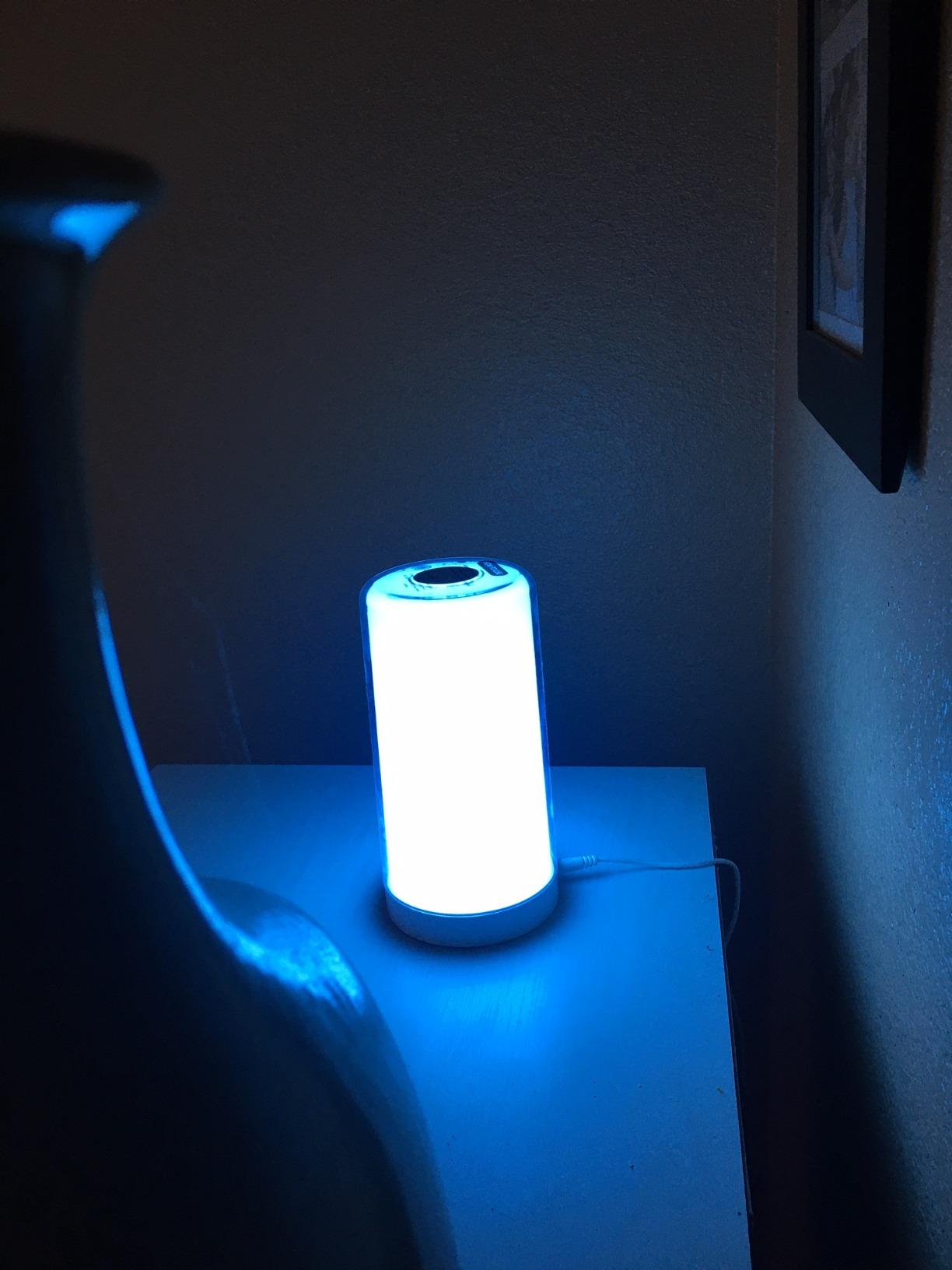
Select a photo to open the gallery.
Full customer review
Customer's headline
Very bright, really nice color pallet
I got this light to replace a little 60 watt incandescent lamp that sits in my family room. We use it in the evening time to keep a little brightness and contrast for our TV viewing. Our incandescent lamp was on a timer so it would go on and off at the same time every day... whether or not the sun had gone down. With the new Smart Lamp, not only can we use the Alexa, Home Kit, or even Meross app to set it up to automatically turn on, but we can even have it turn on at sunset each day. No more wasted power with the old lamp coming on at 5PM when the sun doesn't even set until 7:20 PM. Plus you never have to re-set the timer, because with the smart lamp it changes for you as the sundown time changes. This lamp not only has the ability to change colors (about 16 preset, or 16 million you can make on your own) but it also has the ability to change the 'warmth' of the white light. So you can go from 2700K (nice warm romantic candle like color) to 6500K (super bright white) temperature . The installation is simple, plug it in, connect your phone using the Homekit app, get the home wifi information loaded into the lamp, and then optionally choose to add it to the Meross program, and/or Alexa. The first time I set up the lamp I found that it connected to Homekit, but for some odd reason it didn't connect the internet to the wi-fi network. This caused an issue with the Meross app finding the lamp as well. Once I 'cleared' out the settings on the lamp I did another reconnection and the Wi-Fi information was sent to the lamp. From that point I simply had to open the Meross program and it found it as an unadded device. (where before nothing showed up on its own). The whole setup took about 5 minutes, even with having to start over again. I think understanding that the wi-fi connection had to mate to the lamp made it so I wasn't chasing my tail. Had I not known it was supposed to do that I may have had to scratch my head for a little bit trying to figure out why Meross couldn't find it. If you wanted to use this lamp as a simple Touch Light you could do that as well. There's a capacitive touch feature that allows you to tap the lamp to turn it on and off as well as change the color, and the brightness. So if you don't have your phone handy you can always walk over to the lamp and make changes by hand. But who walks anymore. Although I'm really happy with this lamp, not only because it's brighter than my 60 watt incandescent I replaced, but I can now have colors that make a great contrast light to the type of show I'm watching on TV. If you've ever use a 'color edge' TV you'll know what I'm talking about. Simply set this lamp underneath, or even behind your TV and select a color to be reflected off the TV. The amount of eye strain it can relieve is amazing (but I digress)... the one issue that I have, and I'm not sure this just isn't an Alexa issue, is that wen you are setting a Ramp up brightness you can't also select a color to start with. In that case it defaults to the last color used. If you never change the color, or you like the last color you used that wouldn't be an issue. A work around for this is to set a timer that comes on about 1 minute before the fade up brightness that does nothing but sets the color for the lamp. Another thing that I would have liked to see with this lamp, is the ability for it to 'rotate' through colors automatically. The lamp is only programmable for one color at a time, and you have to use a routine or manually change the color through the app. If there was a way to select say 3 - 10 colors to rotate through that may have been nice, but not necessary. Otherwise this lamp has proven to be a big hit in the house. The kids really like it too. Amazing how anything that glows can be entertainment.. LOL.
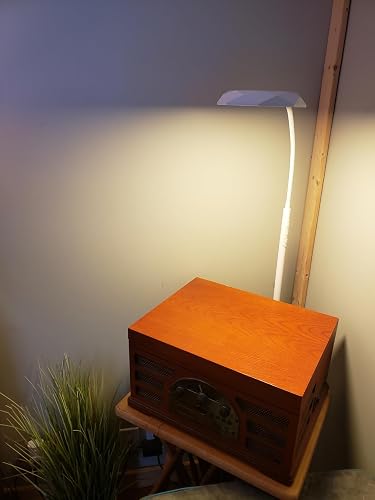 Great Task Lighting, Excellent Control Options, with a Remote!
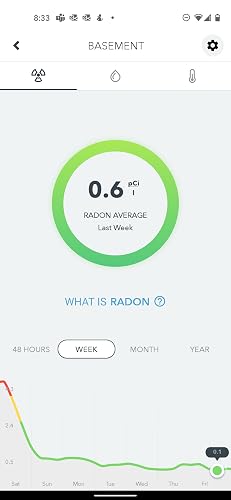 Radon is the real deal, get it checked out.
 So far....I'm very happy!
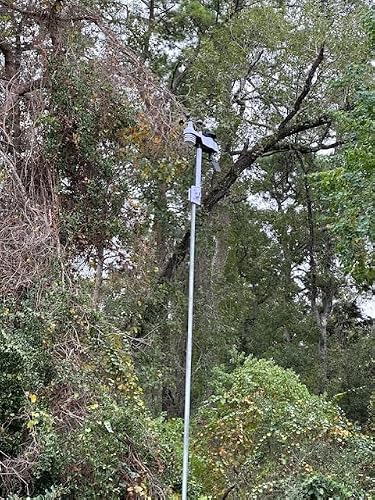 Quick and Easy Set-up
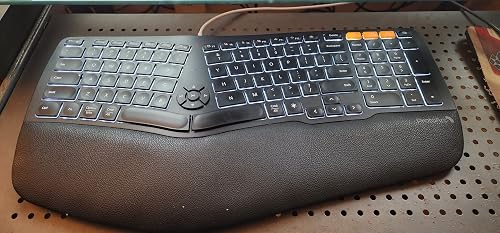 Great Product but needs a couple more Keys
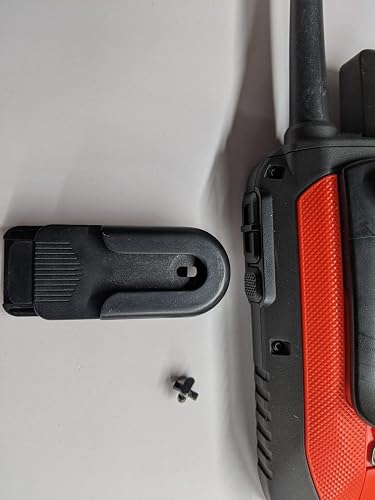 Great All Around Product