
Reolink RLC-1224A Owner Reports Cameras Failing to Enter Night Mode
Customer photos 2
Select a photo to open the gallery.
Full customer review
Customer's headline
A low rating is an unfortunate reality
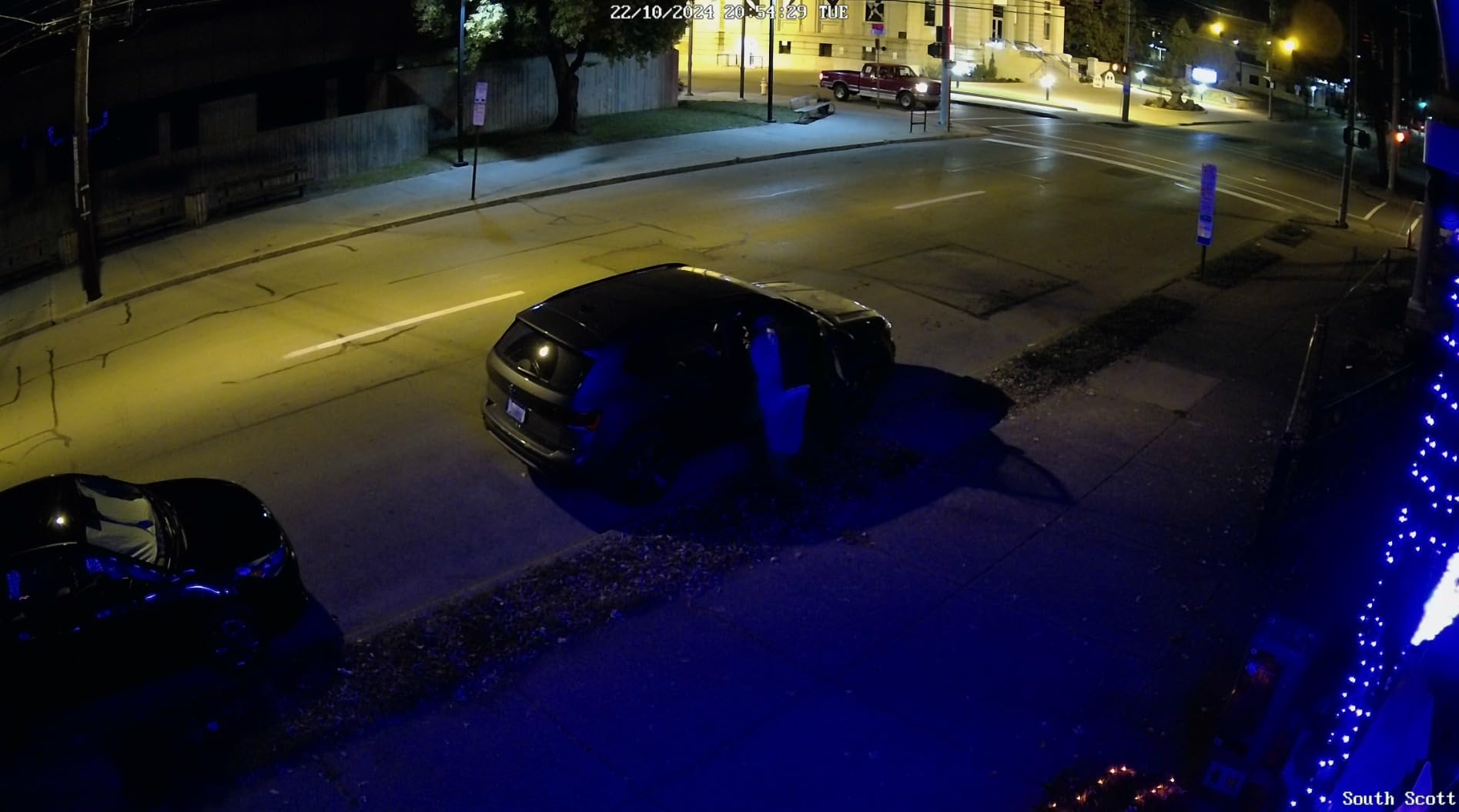
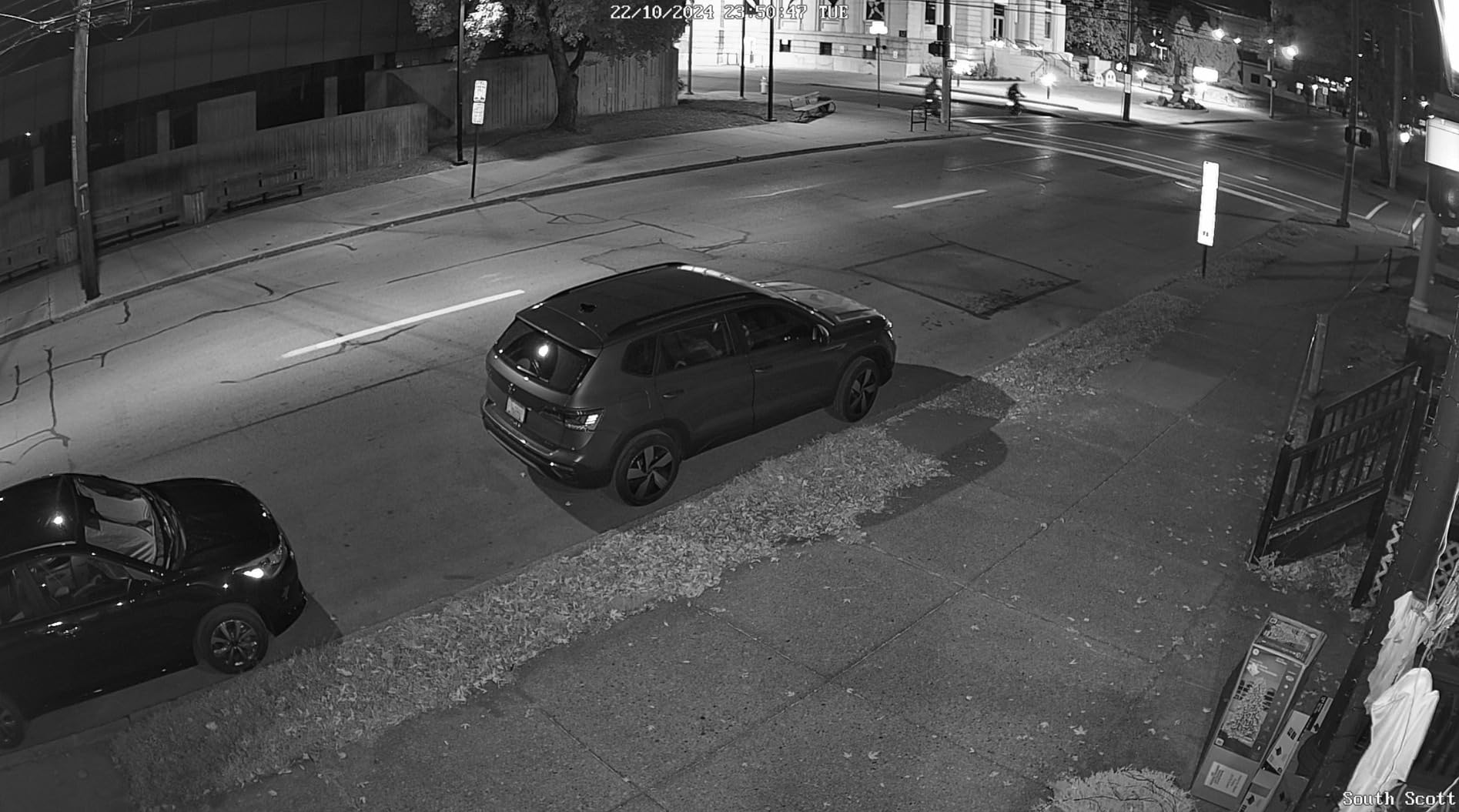
I have had an open support ticket with Reolink for 45 days. Every single time Reolink responds to my support ticket, someone new is looking at it, and they're changing the subject entirely. Both of my cameras are experiencing an issue where if there's even a tiny a little bit of blue ambient light (such as from halloween decorations), the cameras will not kick into night vision mode as their software thinks it's daytime. The cameras are supposed to have an option called "Black & White Color Switching Threshold" under Display -> Advanced, however that menu option isn't showing up on either of my cameras using the most recent firmware on the cameras, the NVR, and the client software (iPhone and PC). Everything is fully up-to-date. The support operators are Reolink are absolutely daft. Every response is like starting over again, with the new representative not bothering to read what has been done already. It's been 46 days since I opened my support ticket with Reolink and absolutely nothing has progressed. I switched from the RLC-520A cameras because my car was hit in a hit and run and I wanted a higher likelihod that I would catch a license plate. Unfortunately, our car was broken into a few nights ago and we have zero usable footage because the cameras refuse to kick into night mode when they're supposed to and there's no ability to adjust the threshhold for black & white. As you can see in the screen shot that I have attached, the image is so incredibly dark that it's essentially useless. When the night vision works, it works extremely well. Unfortunately, as you can also see in that attachment, there is a 0% chance of figuring out who broke into our car. That defeats the entire purpose of having cameras. I have two RLC-1224A plugged into an 8ch NVR. I also have a number of RLC-520A's and a Duo POE w/ Floodlights. The only cameras that suffer this inability to properly switch into Black & White is the RLC-1224A. It does do it, once our holiday decoration shut off. You can see in the photos that the holiday decorations cast a very subtle blue glow. I've got 40+ Reolink cameras installed between Kentucky and Florida, and these two new ones I just installed are the only ones that are problematic. And yes, the spotlight has been disabled as I do not want color at night to work at all -- I want black and white during the night, color during the day. I've also attached an image of when the night vision DOES work -- As you can see, the image is FANTASTIC! But the option to let you set the threshold that is supposed to be in the software simply isn't in the software, and Reolinks support has been absolutely awful. Right now, I can't recommend anything made by Reolink in good faith until they fix their support issues. Their support department appears to be relying on "AI Assistance" for the representatives to select canned responses rather than using their product knowledge to provide assistance. This is leading to what I consider to be one of the worst technical support experiences I've had in the past 20 years. I also can't recommend this product because there's bugs. The camera can't detect day/night properly, and the option to adjust the treshhold (that's documented to exist) isn't appearing in software at this time. It's problematic and needs to be corrected. That said, I'll still likely end up buying Reolink because the cameras are themselves are still better than the competition in the same price range by a mile. But this whole thing is so incredibly frustrating.
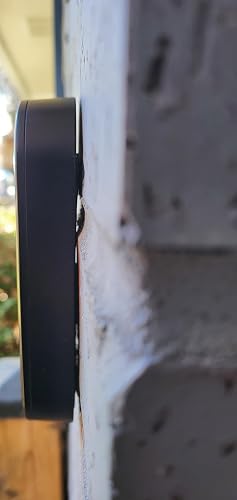 Great overall but good luck if you need to mount it on a surface that isn't perfectly flat
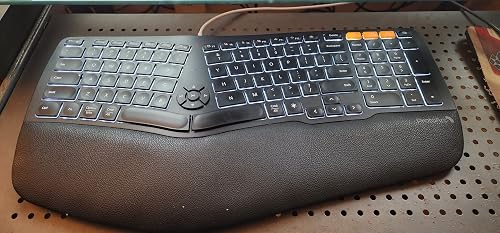 Great Product but needs a couple more Keys
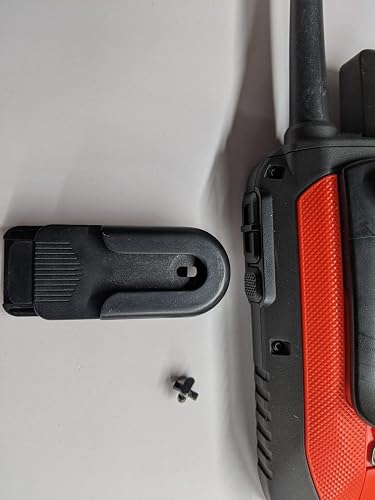 Great All Around Product
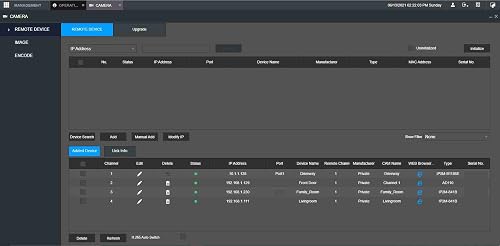 Makes life easy and playback FAST
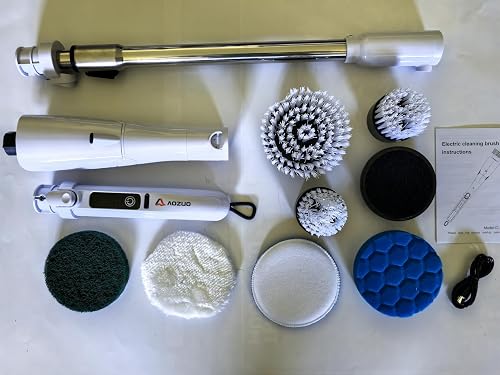 Powerful Cordless Scrubber for Tough Kitchen Grease
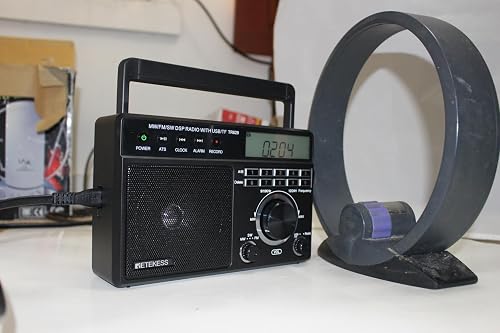 Not a bad mini table radio