
VEIKK S640 Customer Review: Portable, Easy to Set Up
Customer photos 3
Select a photo to open the gallery.
Full customer review
Customer's headline
High quality, inexpensive product great for beginners & advanced users!
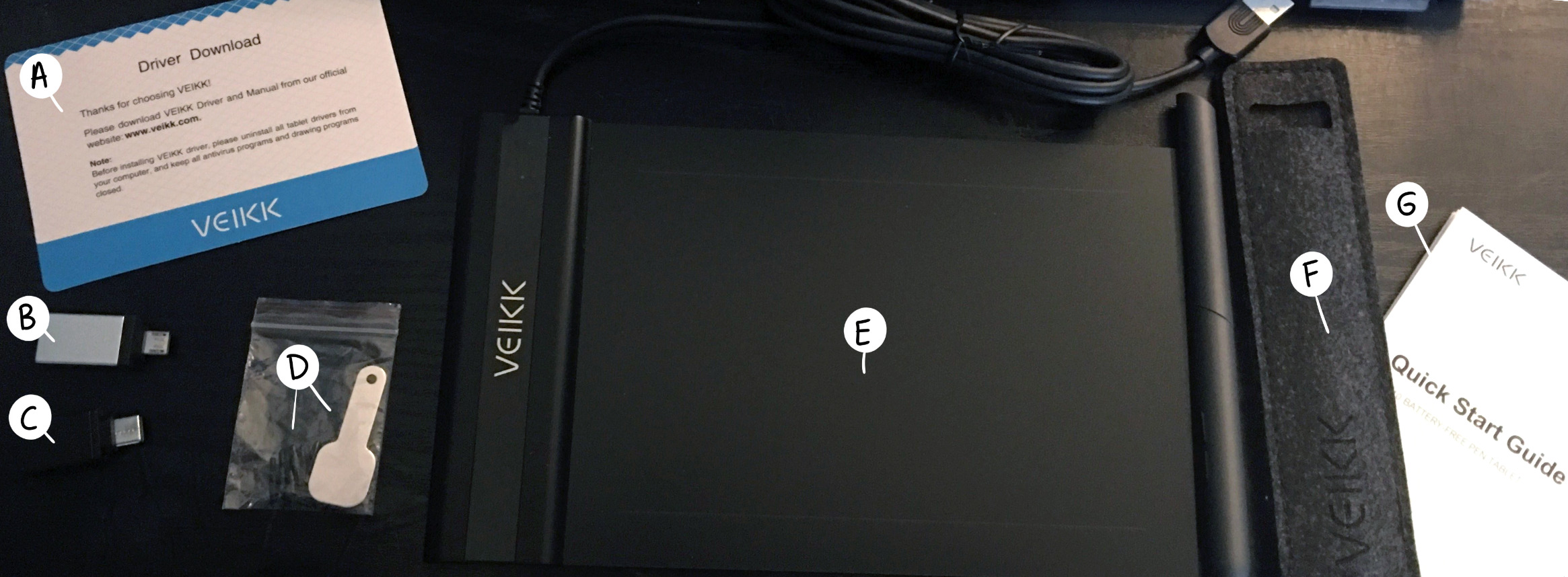
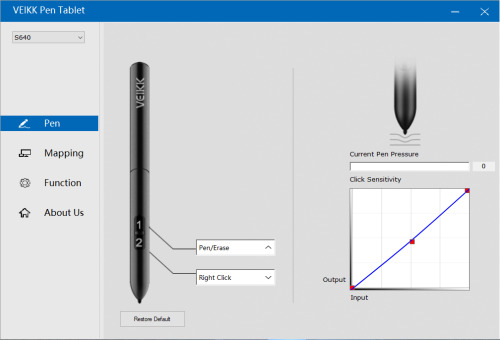
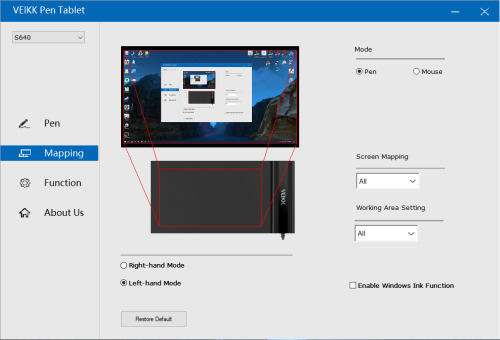
This tablet's main draws are the relatively inexpensive price tag, pen that is battery-free & not needing to be charged, and its amazing portability. The box contained quite a few items (labeled in photo): A–Driver Download card B–Micro USB converter C–USB-C converter D–Extra pen nibs + Nib remover E–VEIKK S640 tablet with USB cable F–Sturdy felt pen storage case with pen inside G–Quick start guide The tablet itself is extremely lightweight--this thing is the very definition of sleek and portable! It can easily fit into a backpack or laptop bag for travel. The attached USB cable on it is a very generous length, about 4 and 1/2 ft long. The included pen is also very light, with a soft non-slip texture. It has 2 programmable buttons near the tip end. At about ~6″ in length and a diameter of about ~1cm, it fits comfortably into my hand. It does not require a battery or to be charged, as it communicates electromagnetically with the tablet itself! It’s a very handy feature, with a pen like this there would be no interruption during use. No need to buy extra batteries or stop working on a project to wait for the pen to recharge. I wish every tablet pen had this feature! Drawing and writing with this tablet and pen feels very natural. The surface of the tablet has a light matte feel to it, giving it a similar scratchy sensation of pencil on paper when in use. The driver for the tablet is downloaded easily from the VEIKK website. They also include digital downloads of their instruction guides, in case you misplace the paper one. I’m using this tablet on my Windows 10 PC. The steps to install for Windows are super simple: 1–Uninstall any existing tablet driver 2–Plug in tablet 3–Install & Restart The VEIKK pen tablet app is really easy to understand and use as well. I've included 2 screenshots of the 2 main tabs of the app I used. Under the Pen tab, it has options to program the shortcut buttons on the pen, as well as adjust pen pressure and click sensitivity levels. Under its Mapping tab, there are options to use the tablet in right- or left-handed mode, which is amazing! As a left handed artist, it’s not often that drawing tools are catered to people like me, so this was a pleasant surprise to see. There’s also options to use the tablet in pen or mouse mode, as well as limit the mapping tablet to certain screen or limit the tablet’s working surface area. There’s also a Function tab which has no use with the S640, I assume this is for other tablets that come with programmable buttons on their surfaces. Pros –inexpensive –easy to set up –portable –pen requires no battery or charge time –high quality product Cons –small size/working area (this is a pro for portability though!) –pen buttons are relatively easy to press on accident if you grip your pen a bit low like I do (you can program the buttons to not do anything if needed, however) All in all, the cons for this are so minuscule and insignificant, I could barely think of any. If the size is too small for you, this brand makes larger sized tablets as well! This is a very affordable tablet, and excellent for new artists starting out with digital art, I highly recommend it. If you want to try out a new brand of tablet, definitely give this one a try!
 Performs Flawlessly at a Competitive Price
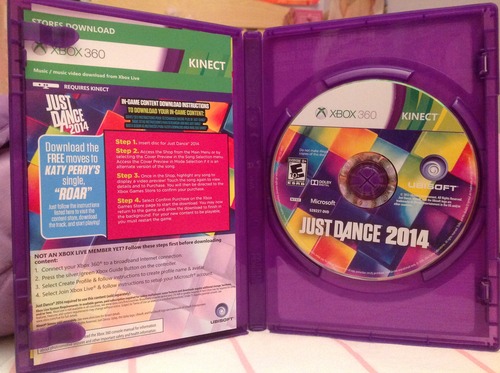 Best Just Dance Game!!
 Good Flight Visuals, Bad taunting (the french are not pleased)!
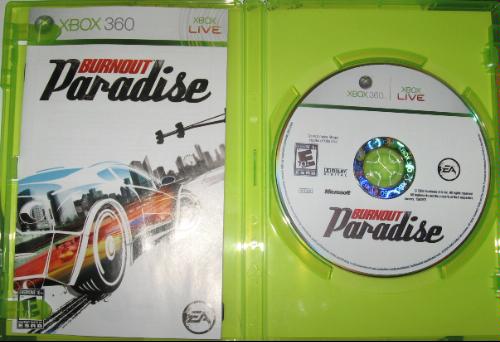 A step up in the series, but mistakes were made in areas they shouldn't have been.
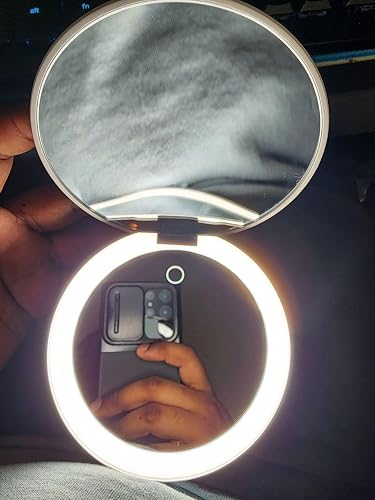 Good Mirror, With Some Minor Things That Can Be Improved
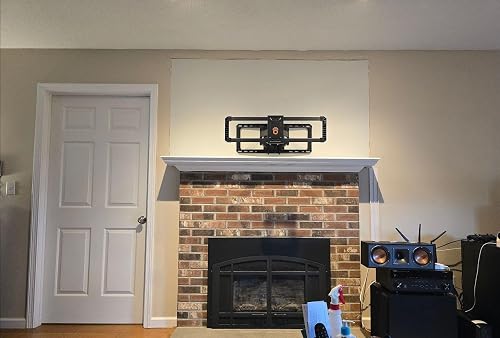 AWESOME TV mount! EASY to install. One minor gripe on vertical adjustment.