
A Customer Finds the ASUS ROG Strix G16 (2026) Powerful and Easy to Upgrade
Customer photos 4
Select a photo to open the gallery · scroll sideways for more.
Full customer review
Customer's headline
High-End Performance, Thoughtful Design, and Easy Upgrades
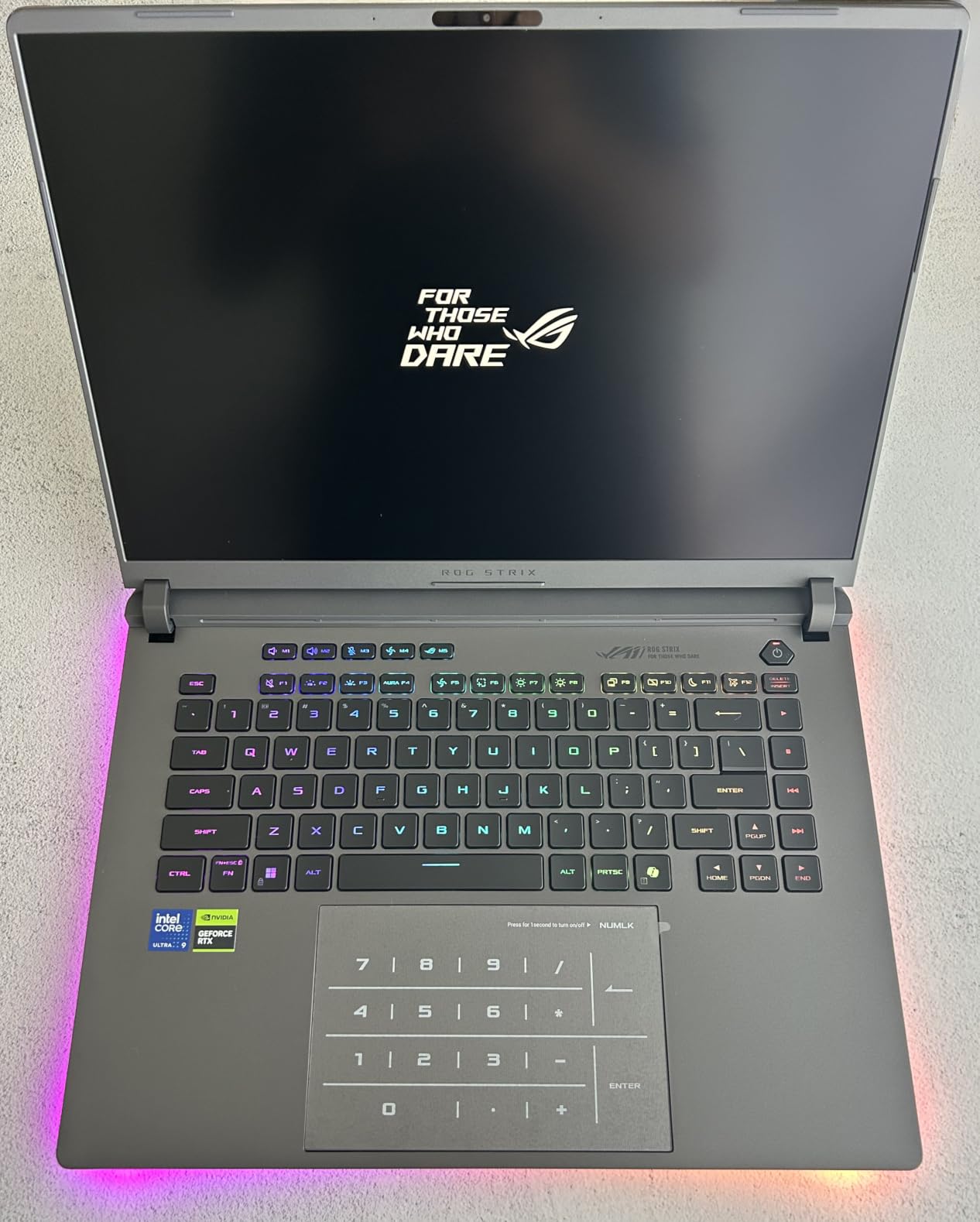
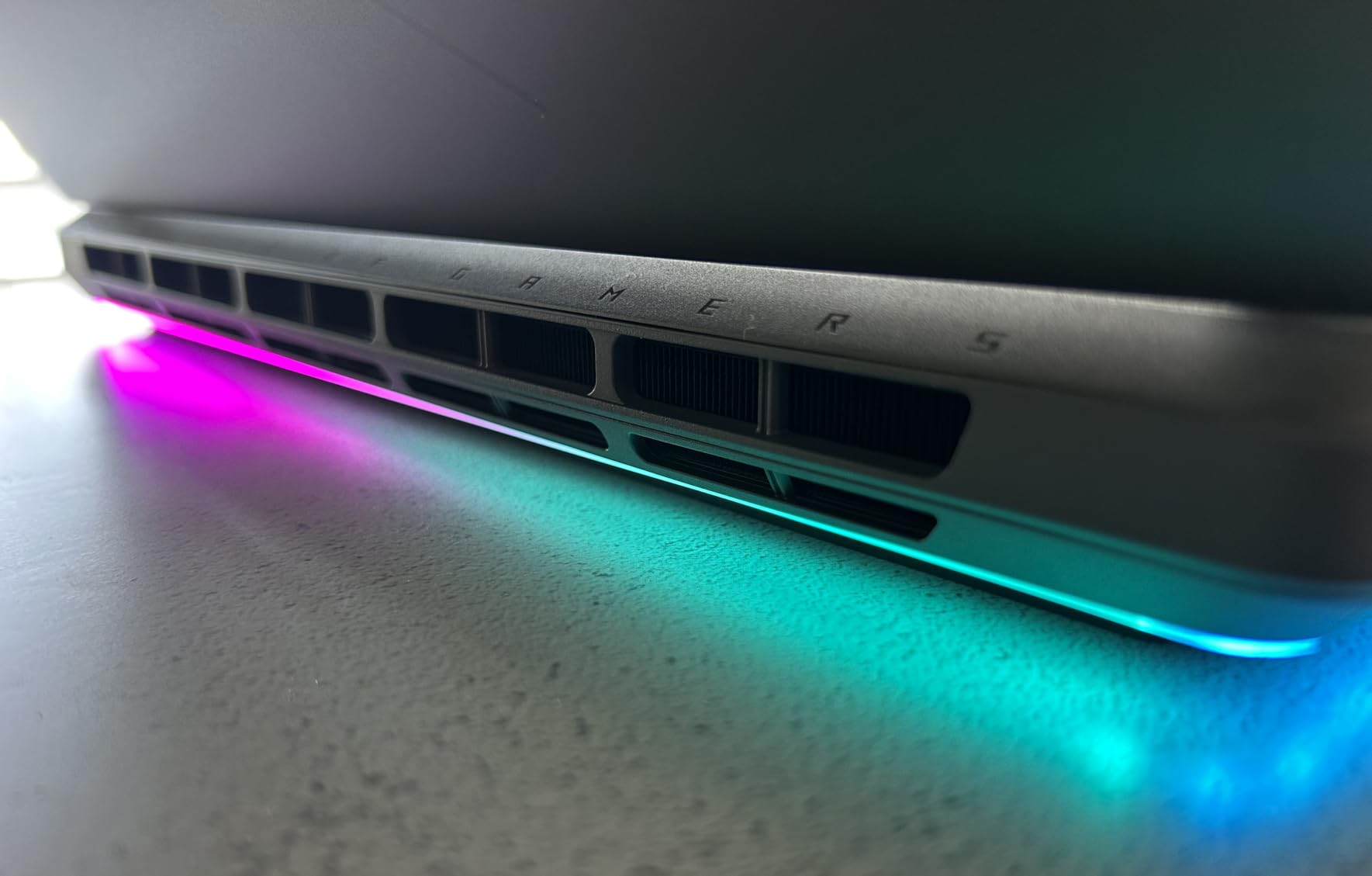
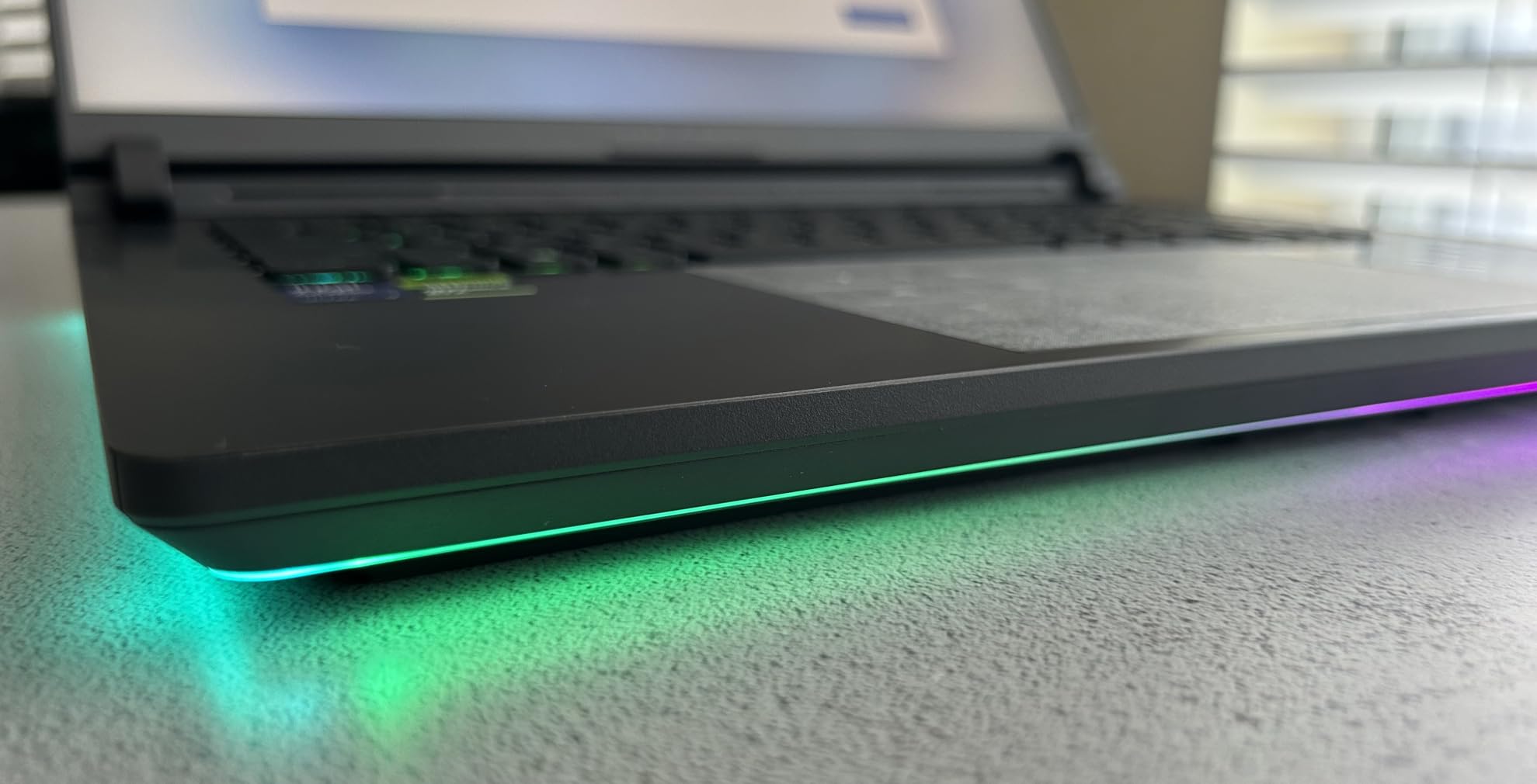
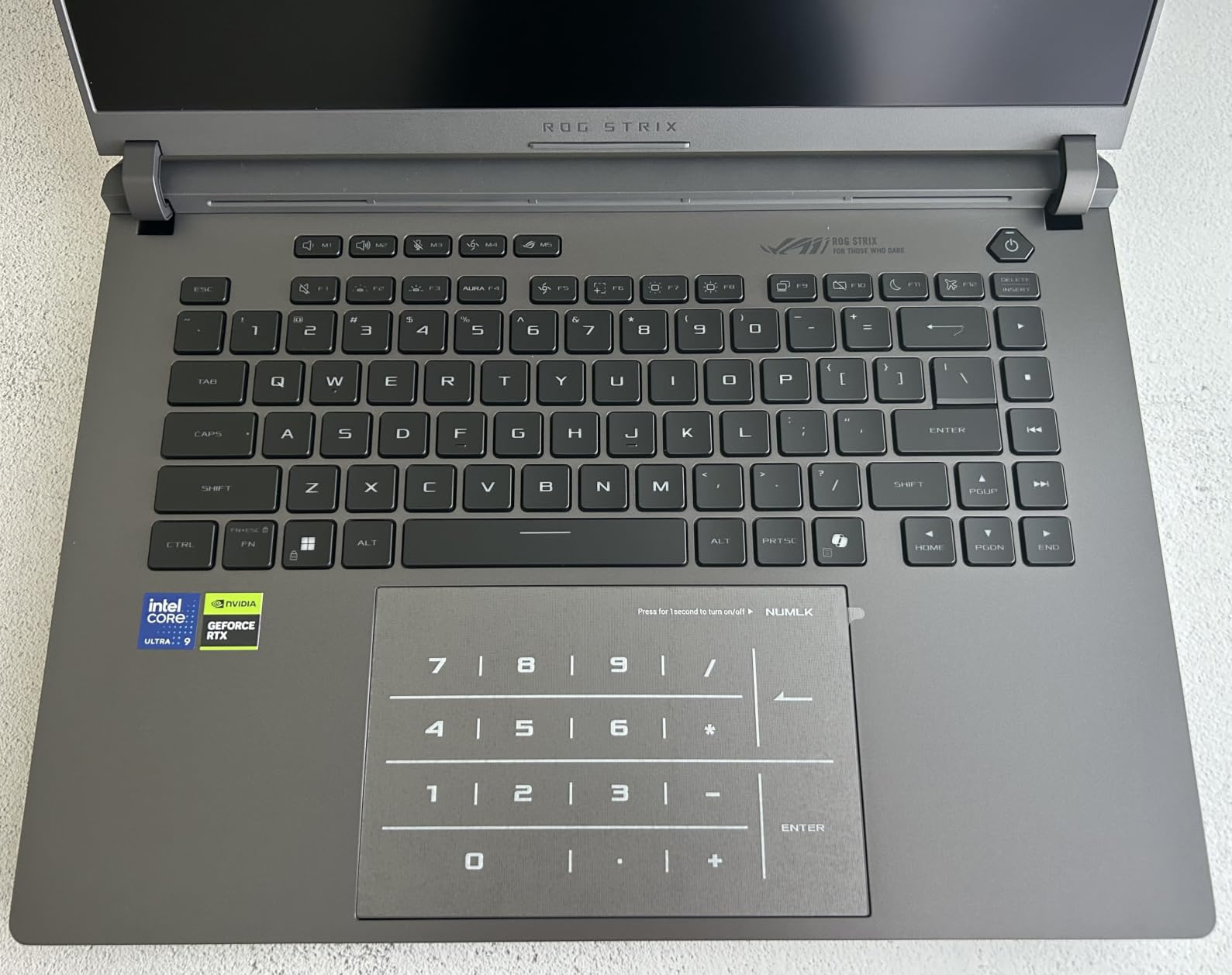
This is a high-end gaming laptop that also works very well for my daily technical and development work. I am a computer technician/engineer with a passion for video games, so this laptop handles both very well. RAM and Upgradeability The laptop came with 1 × 32 GB DDR5-5600 RAM, leaving the 2nd slot empty. I actually appreciate ASUS choosing this setup instead of using 2 × 16 GB. The downside is that 1 × 32 GB does not use dual-channel memory, so there can be a small performance loss. For me, that tradeoff is worth it because upgrading to 64 GB is much easier. With 2 × 16 GB, I would have to remove both modules and buy 2 × 32 GB. With 1 × 32 GB already installed, I only need to buy one matching 32 GB module and add it to the 2nd slot. From a consumer perspective, I understand and appreciate ASUS choosing a setup that makes upgrading to 64 GB much easier and less expensive. Internal Access and Upgrades As a computer technician, I find this the easiest laptop I have ever opened for upgrades or maintenance. The bottom cover is tool-less and unlocks with a small latch, so there are no screws to remove just to get inside. Once opened, both RAM slots, both M.2 SSD slots and the cooling fans are easy to access. ASUS also uses its Q-Latch system for the SSDs instead of tiny retention screws. This makes RAM and storage upgrades, as well as future cleaning, much easier. Chassis and Design The laptop is heavier and thicker than a thin-and-light notebook, which I expect from a high-performance gaming laptop. The chassis feels very solid and rigid. When I hold it, it feels like one cohesive piece with no noticeable bending or flex. The overall appearance gives me a slight retro performance-laptop look, which I like. Cooling and Noise The cooling system uses an end-to-end vapor chamber, a full-width heatsink, three fans and Conductonaut Extreme liquid metal on the CPU and GPU. Despite the powerful hardware and three fans, the laptop has been very quiet during normal use. CPU and Graphics The Core Ultra 9 290HX Plus is a high-end 2026 mobile CPU. This laptop has two graphics processors: Intel Graphics integrated into the CPU and the NVIDIA GeForce RTX 5080 Laptop GPU with 16 GB of GDDR7 VRAM. For lighter tasks, the laptop can use the Intel graphics to save power. For gaming and demanding graphics work, it can switch to the RTX 5080. The laptop manages this automatically depending on what each application needs. Display The built-in display has a native resolution of 2560 x 1600 with a 16:10 aspect ratio and 100% DCI-P3 color coverage. I am very impressed with the image quality. Games look sharp and detailed, with vibrant colors that really stand out. Because of the high resolution on a 16-inch screen, smaller details can be difficult to see if I sit too far away, but at a normal laptop viewing distance everything looks sharp and clear. The display runs at up to 300 Hz in Ultimate GPU mode and 240 Hz in the other GPU modes. External Monitors and Ports The laptop includes HDMI 2.1 and two Thunderbolt 5 USB-C ports that support DisplayPort video output. There is no separate full-size DisplayPort connector. The combination of HDMI, Thunderbolt 5 and three USB-A ports provides plenty of connectivity for monitors and peripherals. Armoury Crate and RGB Lighting Armoury Crate controls the laptop's performance modes, GPU modes and Aura RGB lighting. The per-key RGB keyboard and chassis light bar look very good together. I particularly like having lighting around the chassis instead of only on the keyboard. Lighting can be configured separately for Boot Up, Shut Down, Awake and Sleep. This is useful because otherwise the laptop can continue displaying lighting effects while plugged in after shutdown. At night, I like the lighting effect on the W, A, S and D keys. As a gamer, I like that gaming-focused touch, since those are the main movement keys used in games. BIOS and Firmware This laptop came with BIOS 336. Windows Update later downloaded and installed a newer BIOS automatically without requiring me to manually download or flash it. Webcam and Windows Hello The laptop has a 1080p FHD IR camera, Windows Hello facial authentication, built-in microphones and AI noise-canceling features. The camera works well. However, Windows Hello face recognition is unreliable when the room is too dark. When there is enough light for my face to be clearly visible, recognition works well. GlideX GlideX Unify Control is one of my favorite ASUS features. I can use the same mouse and keyboard between my desktop and laptop, and easily drag and drop files between them. I previously tried Microsoft PowerToys for mouse sharing, but it simply did not work. GlideX works very well and has been reliable. Storage The laptop comes with a 1 TB PCIe 4.0 NVMe SSD and has a second M.2 slot available for additional storage. Xbox Game Pass This laptop also included 2 months of Xbox Game Pass. What I Would Change 64 GB instead of 32 GB For a laptop at this performance level, I would have preferred 64 GB of RAM from the factory. However, the 1 × 32 GB configuration makes upgrading to 64 GB straightforward, as I only need to add another matching 32 GB module. The laptop comes with a single 32 GB memory module, leaving the second RAM slot available. I plan to add another matching 32 GB module, bringing the total to 64 GB and allowing both memory channels to be used. This provides greater memory bandwidth and lets the system make better use of the Intel platform's dual-channel memory support. NumberPad button in the dark The NumberPad is built into the touchpad, but its activation button does not light up when the NumberPad is off. In a dark room, it can be hard to find. A small illuminated icon would make it much easier to use. Final Notes This laptop has really won me over to ASUS because of its performance, build quality, upgradeability, and software features.
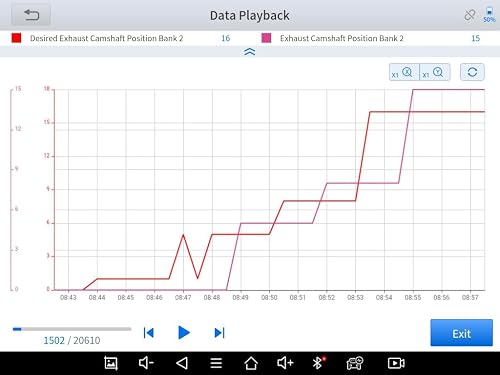 Good value scan tool
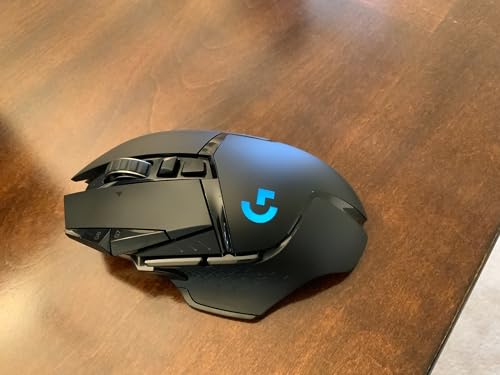 Perfect if you use it right (G HUB)
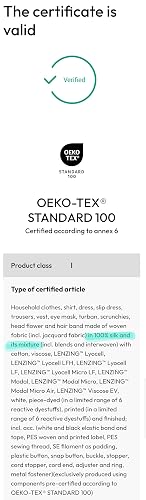 False Advertising - NOT PURE SILK
 Tidies up messy hair
 Impressive Hair Clipper with Stellar Performance and Durability
 Easy, No Heat Curls!