
Logitech G502 Lightspeed works well once G HUB is set up right
Customer photos 3
Select a photo to open the gallery.
Full customer review
Customer's headline
Perfect if you use it right (G HUB)
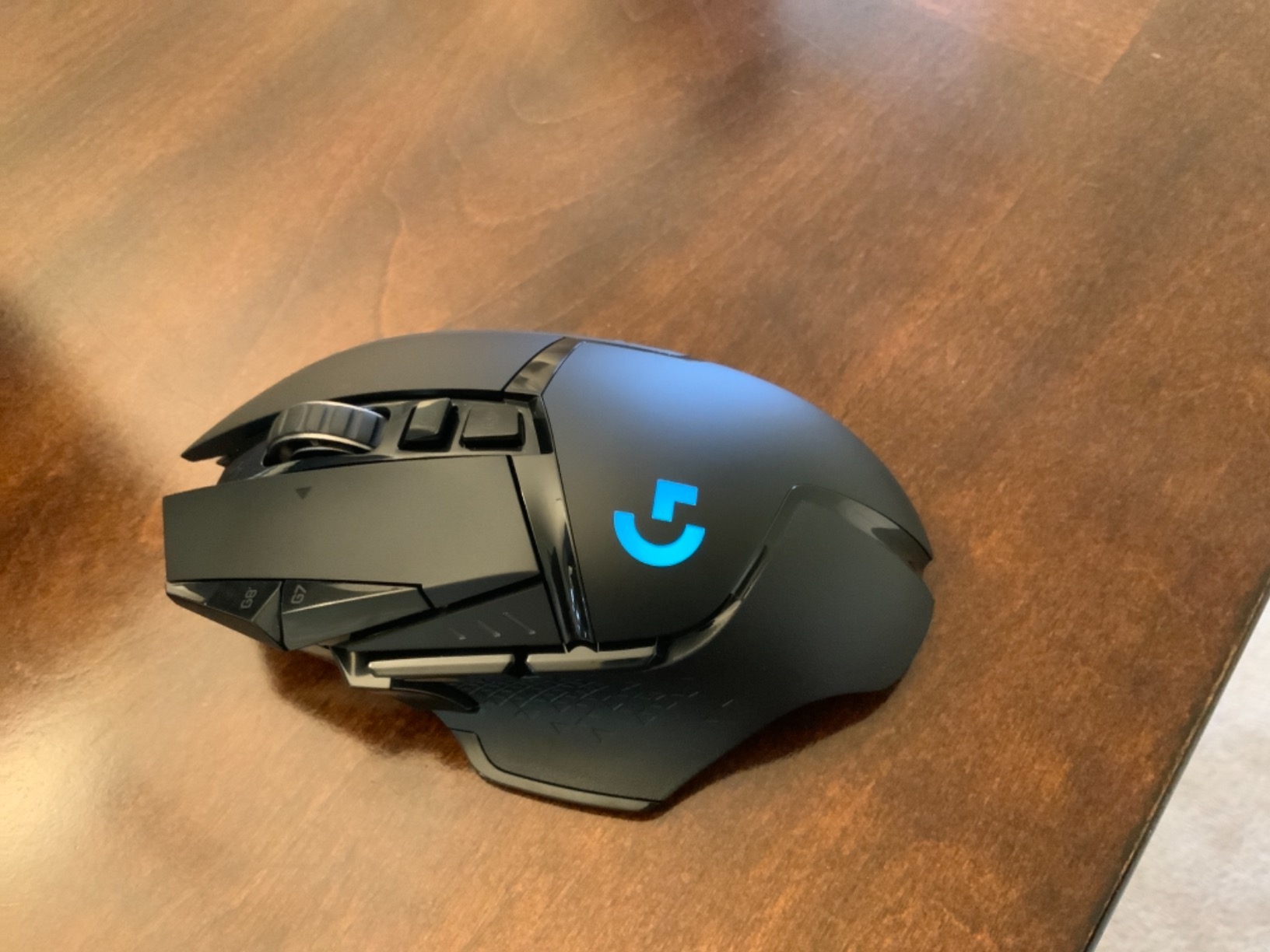
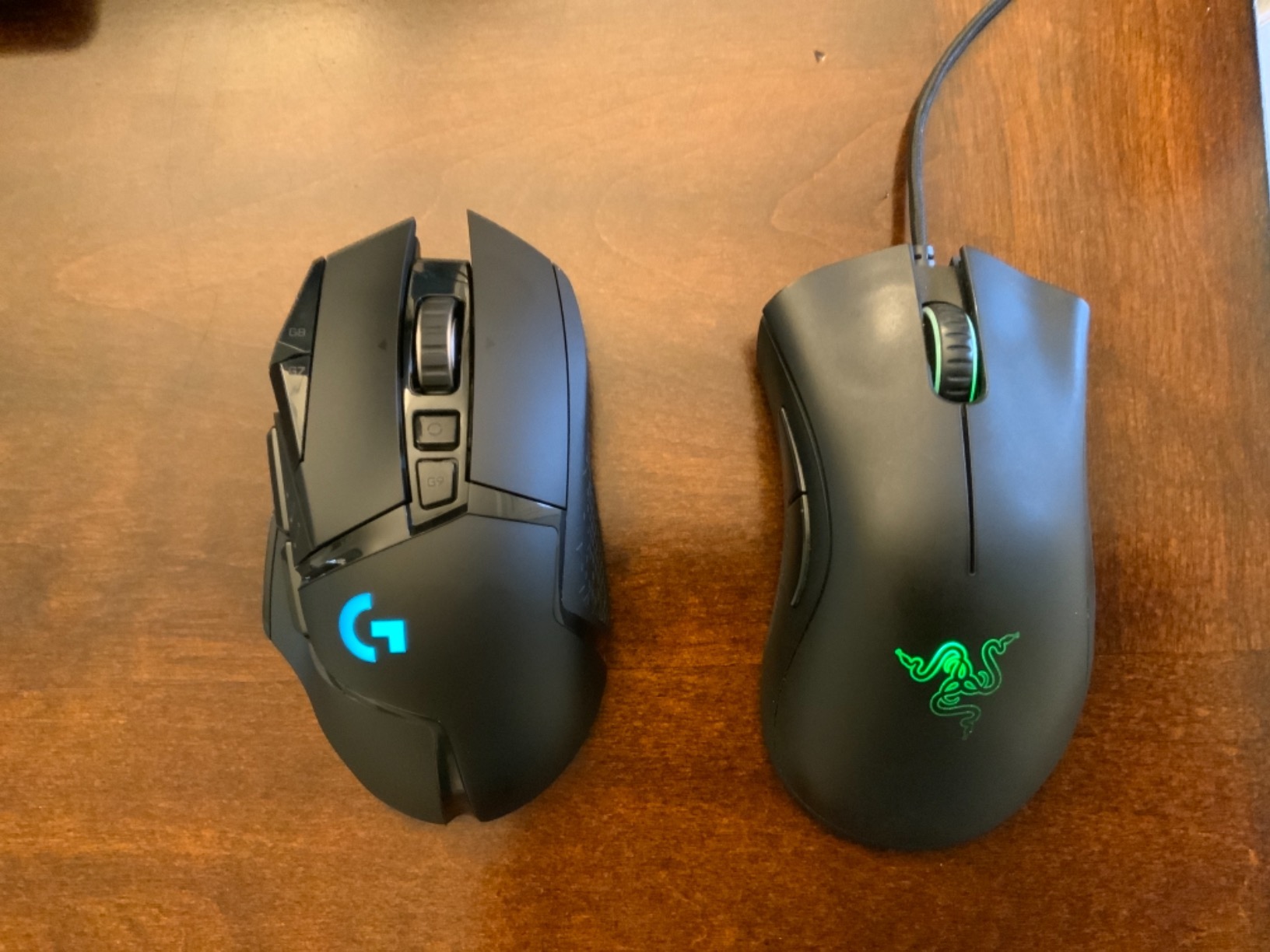
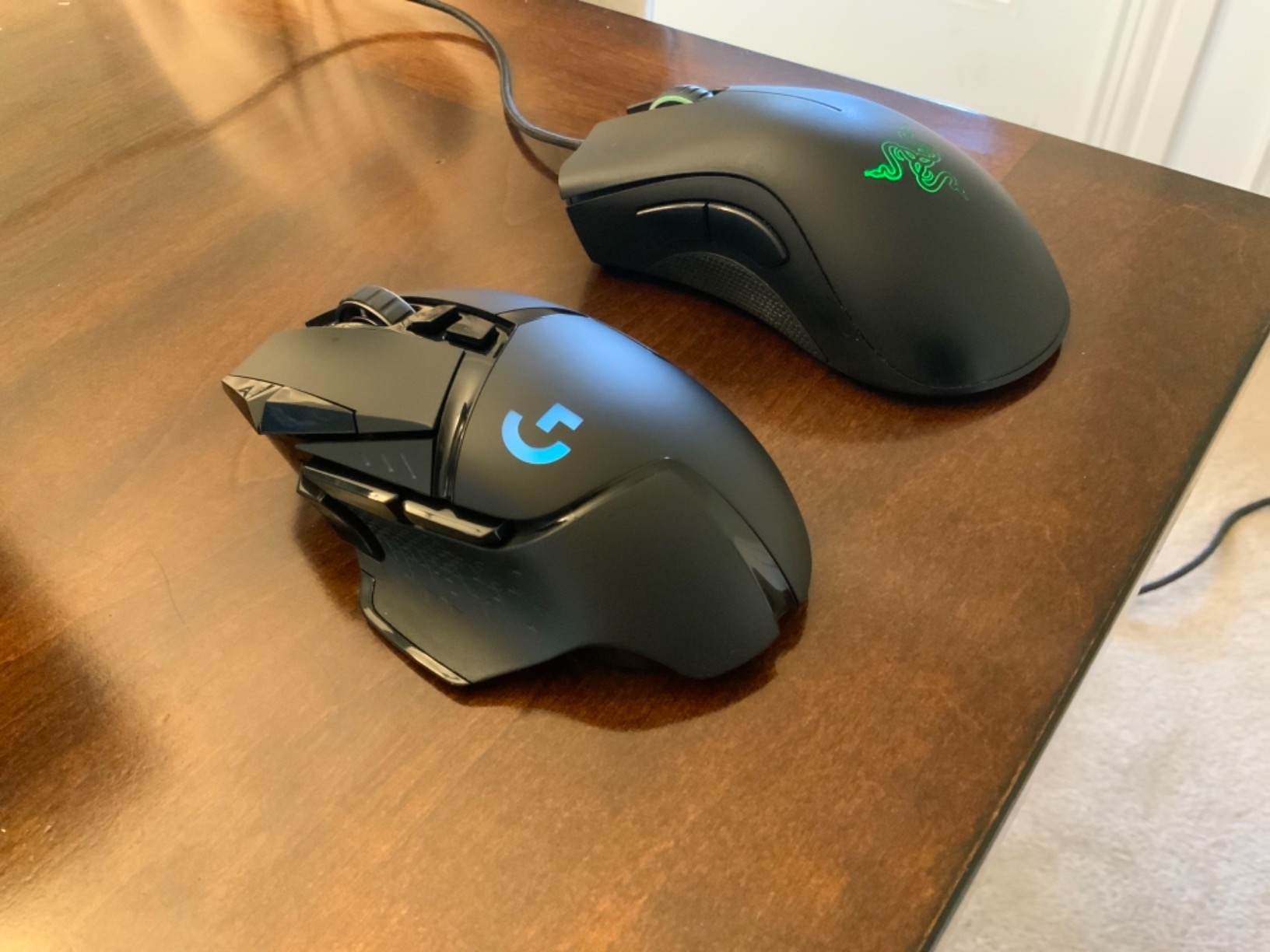
Ergonomics: Size wise I have medium hands for a man. I came from using a Razer Deathadder 2013 for the last 7 years and the fit and feel is very similar. I would say to best use the G502’s buttons I’m shifting my hold position up a little more on the mouse but ergonomically it feels just as good. Latency: Can’t tell the difference between a wired mouse. I’m using the highest report rate which uses the most battery but I’m okay with the trade off. G HUB: If you’re having problems you might be using it wrong. You don’t even need it on your computer after you set up the mouse profile (a tip later), or you can have it set up to not startup with the computer and leave it on there to tweak when you want. Best of both worlds. In G HUB you can program all the buttons, lighting effects and intensity (to save some battery life, I use 44%) and most importantly dpi, as well as the dpi shift speed which I really kind of love. Now there will be people out there saying “I transferred my profile onto the onboard memory, it’s not holding it right when I start up I have to open G HUB to get my mouse acting right DPI setting wise”. That’s all user error. In the program by default there are 3 DPI settings in white, which are meant to be what you adjust through with the dpi buttons up and down if you want that. Most people don’t want or need that and on startup it goes to the lowest setting. G HUB could make this more clear because I don’t know why you would want to shift through DPI so often anyways. Regardless delete the other two and leave a single white DPI setting and a yellow DPI shift setting. At startup of the mouse/computer your DPI will be as expected without having to open G HUB. What happens when you do it no longer goes to lowest DPI option but instead goes to the one it was set to. Copy profile over to onboard and never use the program again, delete it or leave it, disable auto startup so it doesn’t mess with PC performance. It’s up to you and I can’t fault this at all. It flat out works however you want it to. Overall: Happy to have made the switch to this mouse. I was torn between Razer and Logitech and you probably can’t go wrong with either but I have no experience with Razer wireless. A docking station that isn’t the PowerPlay mat would be nice though. Razer having that is nice from a desk/wire clutter standpoint and frankly the PowerPlay mat is too small. As an engineer that does 3D modeling and a PC gamer at night this mouse performs great.
 Good value scan tool
 False Advertising - NOT PURE SILK
 Tidies up messy hair
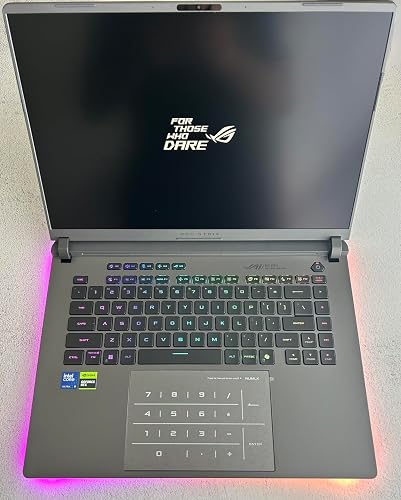 High-End Performance, Thoughtful Design, and Easy Upgrades
 Impressive Hair Clipper with Stellar Performance and Durability
 Easy, No Heat Curls!