
Solid Amcrest IP8M-T2599EW-AI-V3 Camera Held Back by Confusing Software
Customer photos 5
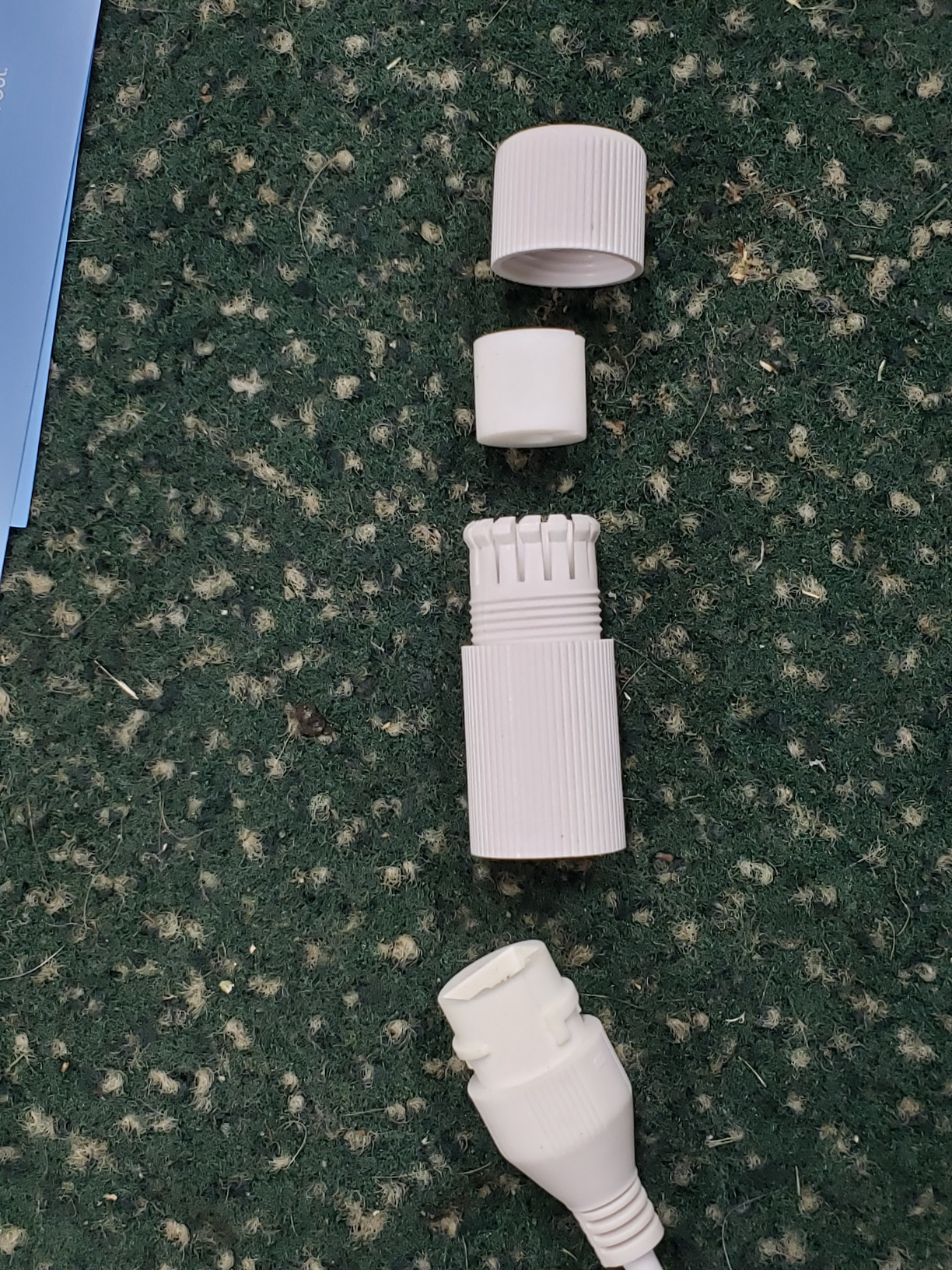
Select a photo to open the gallery · scroll sideways for more.
Full customer review
Customer's headline
Good hardware, software needs improvements.
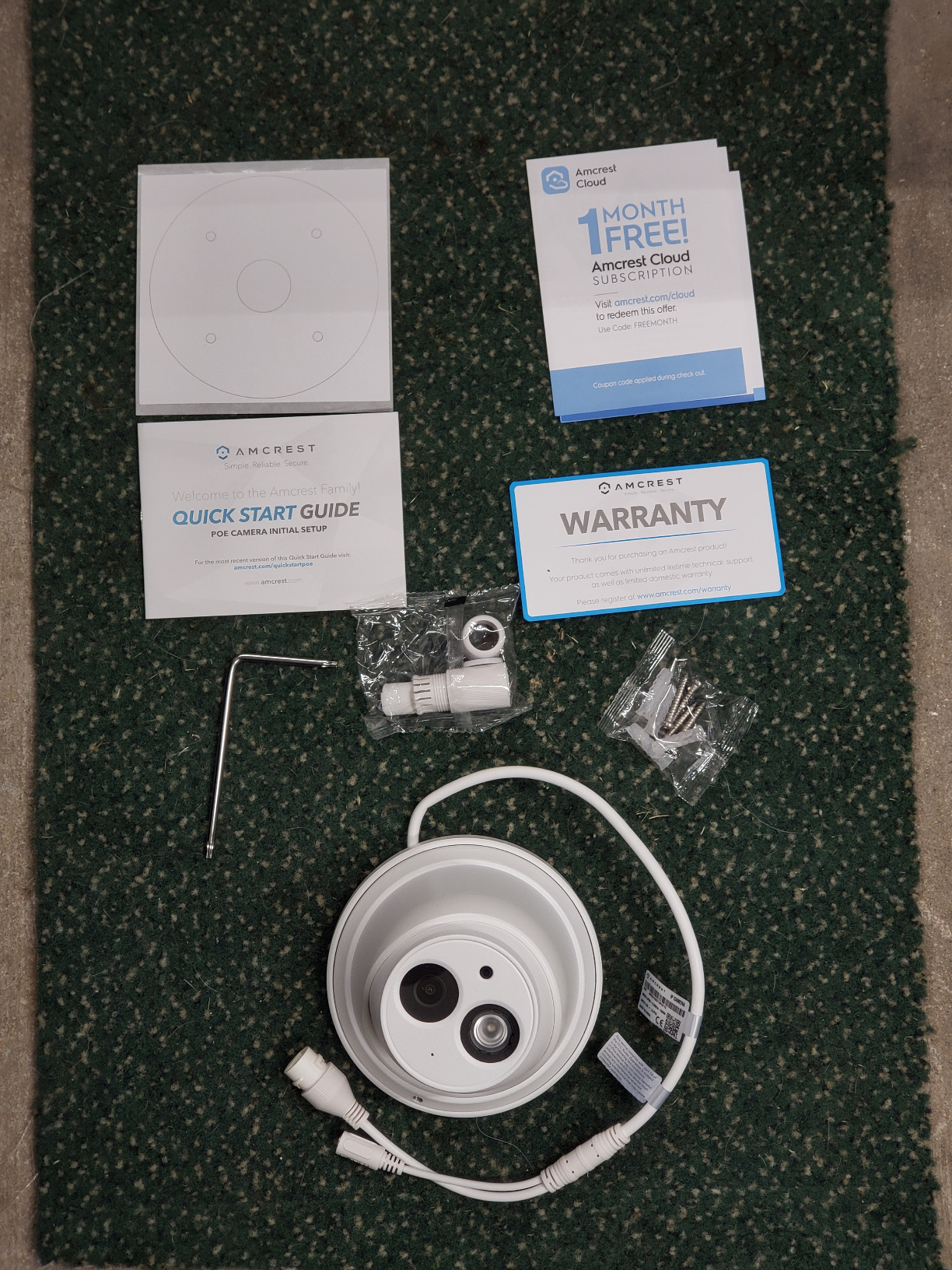
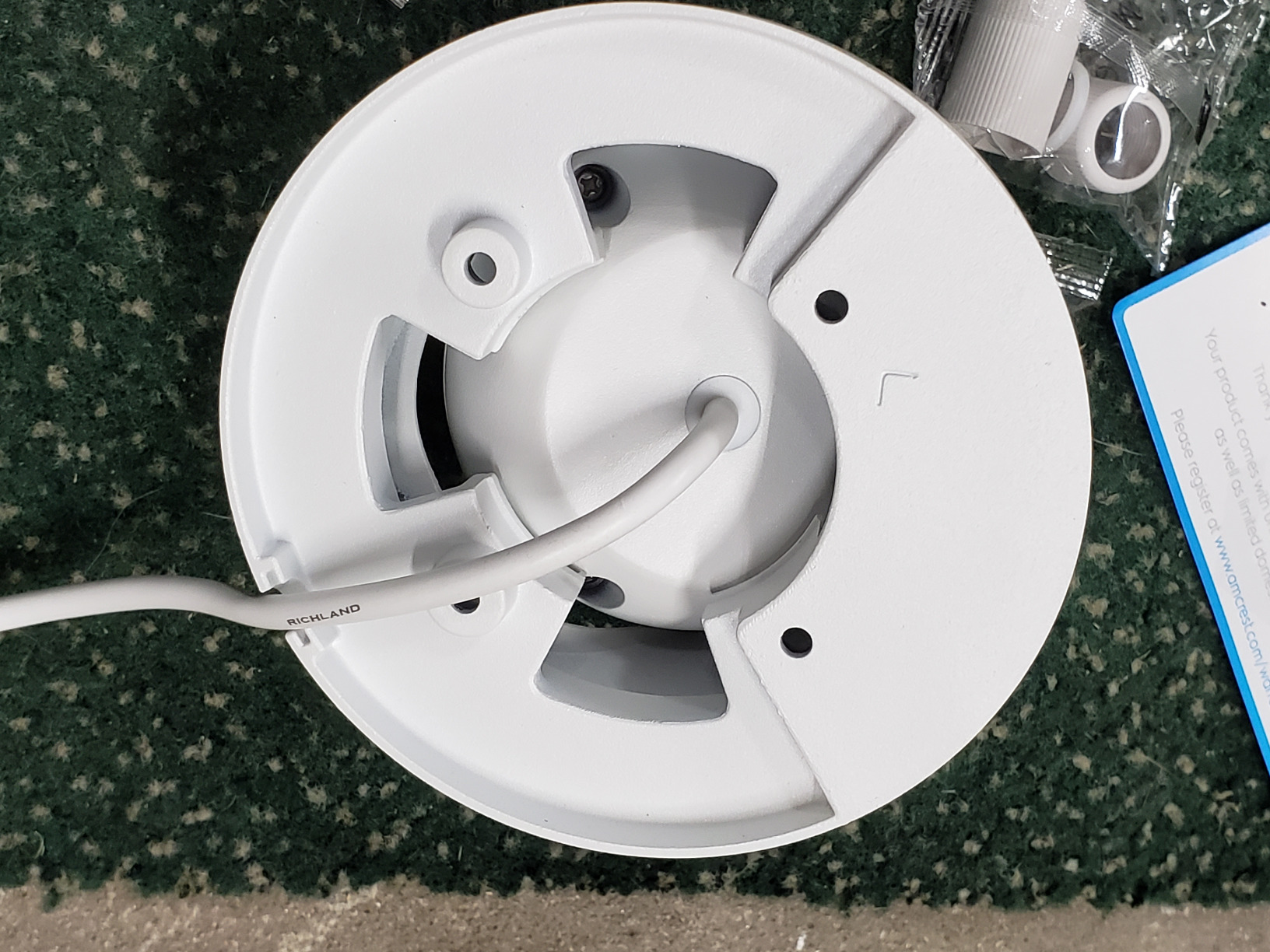
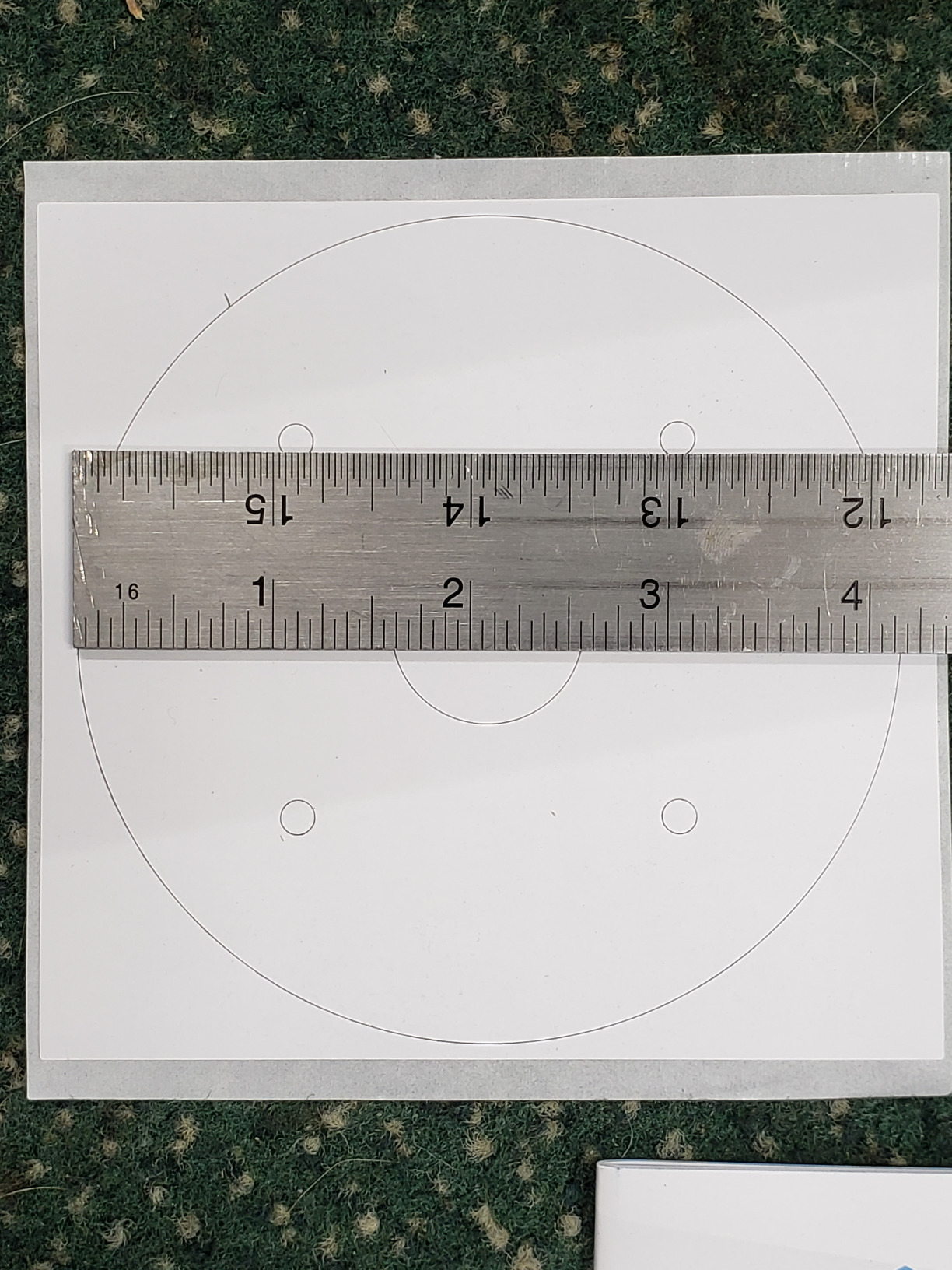
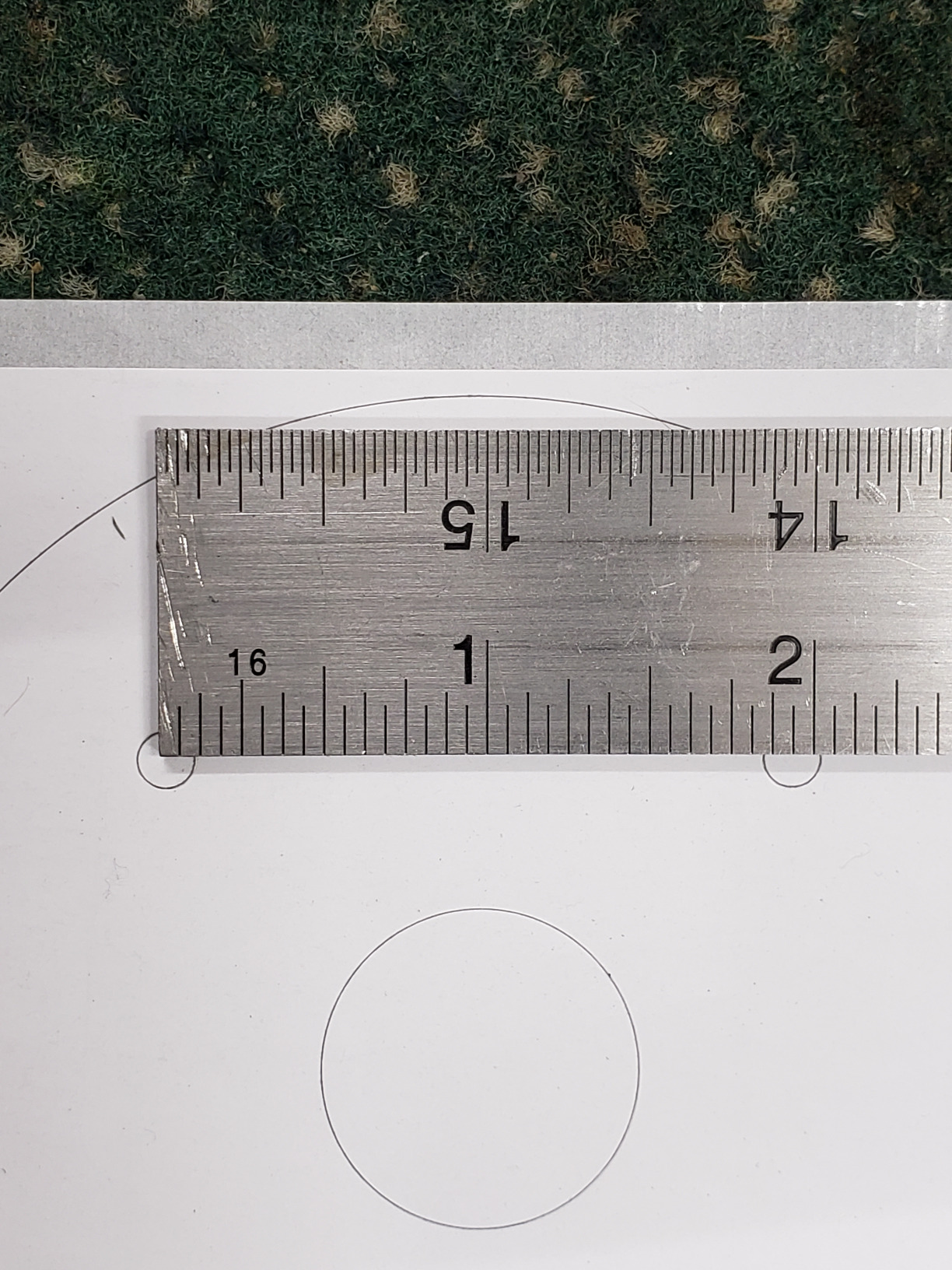
First impressions: Well packaged and impressive specs for a compact camera. 4K @ 15 fps plus 164 IR range. Housing and mounting ring are all metal and has a nice solid feel to it. A mounting template and hardware is included but I used my own screws due to install location. Includes a quick start guide for basic hookup etc. Included (but not used) was a water resistant RJ45 cover which was a very nice touch. Install: Replaced an existing camera that was analog but run on CAT5e already. Installed the new camera ring mount and replaced the end of the cable. Hooked up the PoE adapter inside the home and powered everything up. If you have a brand new location without cable it’s going to be a chore but doesn’t matter which brand or camera you buy unless it’s wireless. Setup: Once the PoE was fired up and connected to my switch I navigated to the IP address of the camera. This seemed a little slow through the web interface and has never really gotten faster throughout my use (Firefox and a full gig network speed that is hardwired to my desktop and then to the PoE switch which is 100 mbps). I then went to install the software and found that to run everything much faster, however there appears to be a catch with that. Tweaked a few settings initially but it looked really nice right out of the box. Recording: Here’s where things got tricky. I originally had Amcrest Security Pro 1.14.1R20161018 installed and had nothing but problems getting the PC-NVR to work. Option was totally greyed out and could not get anything to work. Uninstall, Reinstall, still nothing. Off to the internet and started searching. Took awhile but finally found a thread with the same problems. The solution was to download the beta software called Amcrest Surveillance Pro 2.0 Beta. Just like that the problems went away and the PC-NVR was working. Fortunately this appears to now be the default download which should make things easier from the start. Software: I feel this is where a great piece of hardware meets an incomplete software solution. There are at least 4 different ways to configure this camera. Browser, Amcrest IP Config, Amcrest Sur Pro, and through the app. Using Firefox and Edge for the browser config is very slow. Video feed will actually downgrade to the sub stream saying “It has auto switched to substream for better video playing experience.” Switching to main stream will black the screen for a second then repeat the above message. Config does seem faster in Edge though. Amcrest Surveillance Pro so far is the only way to view the original stream on the PC in max resolution. The problem with this many apps / ways to setup is that they seem to overlap and overwrite settings. I had set a motion area via the browser and things were recording normally. However, I opened up either the ASP or the app and that changed my settings without me knowing. So the detection area changed completely and then I have no recordings for a couple of days. Perhaps if I upgrade to an NVR vs the microSD card this would partially go away since the NVR would hopefully set the recording parameters. Although listed, the Alexa video feed is only available if you subscribe to the cloud storage plan. Somewhat of a let down especially since you cannot even view just live video through Alexa without the subscription. Overall I think the hardware is very good and the daytime video WDR and night view is very good. Without software improvements though or just sticking to one viewing platform so things don’t overwrite I’ll be hoping for an update to fix these problems.
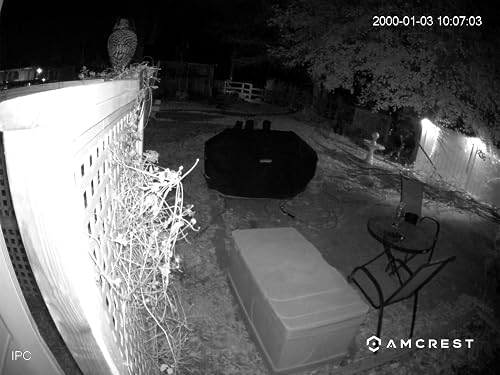 If you're not tech savvy, you're gonna have a tough time.
 Thoughtfully engineered, straight forward, POWERFUL design
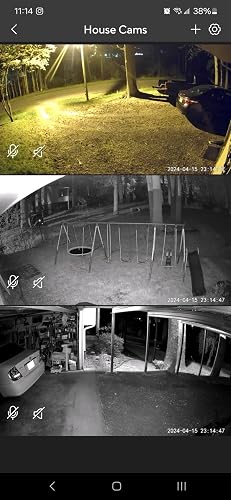 If you're looking for a camera with features and quality, look no further!
 Makes life easy and playback FAST
 Love...if you're an entomologist...
 AVOID UNLESS YOU WANT TO PAY AGAIN AFTER A YEAR. Will fall apart after a year.